Recently, Google unveiled an incredibly powerful AI video generation model called Omni Flash. One of the most "killer" features of this model on Google’s Flow platform is the ability to create Avatars and Characters, allowing you to "clone" your own face and voice into any video scene.
If you've ever wanted to star in your own short film, Omni Flash is the tool for you. Join YutoIT as we dive into the details of how to make it happen right now!
Hướng_dẫn_Omni_Flash_Google_202605232244.mp4
(14 MB)
How to Create an Avatar with Omni Flash
To help the AI learn your face and voice, you need to set up your Avatar. The process is very straightforward:
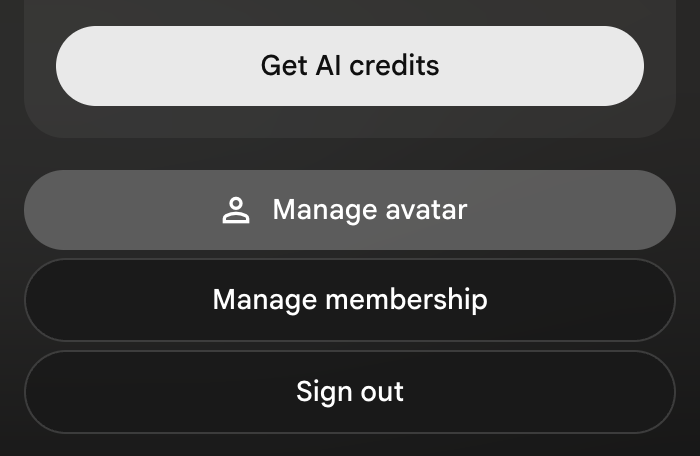
Step 1: Visit the Google Flow page. In the top right corner of the screen, click on your account avatar (applicable for Ultra accounts) and select Create Avatar.
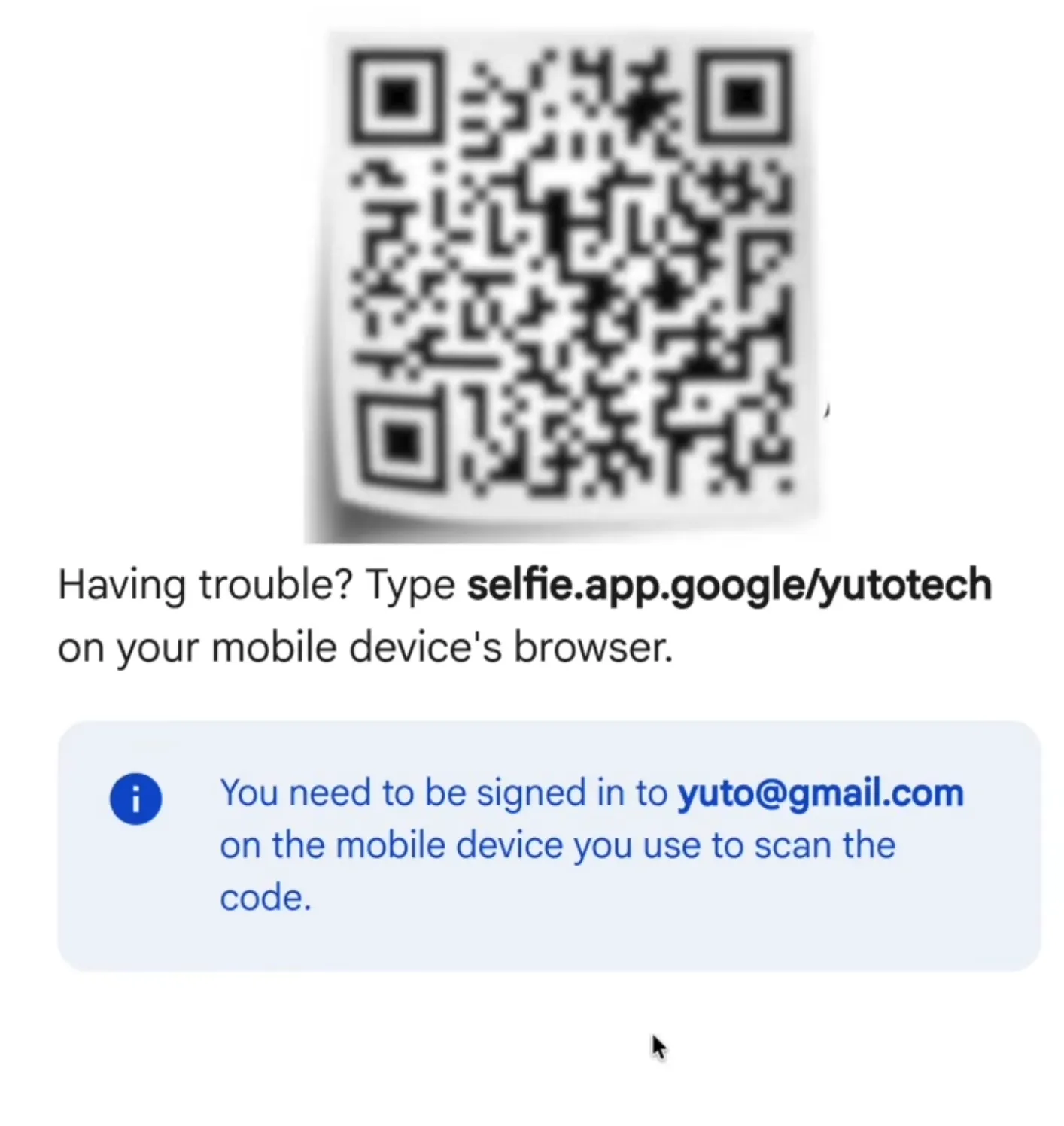
Step 2: The system will display a QR code. Use your phone to scan it. Important Note: Your phone must be logged into the same Gmail account you are using on your computer.
Step 3: On your phone, tap Accept to grant camera permissions.
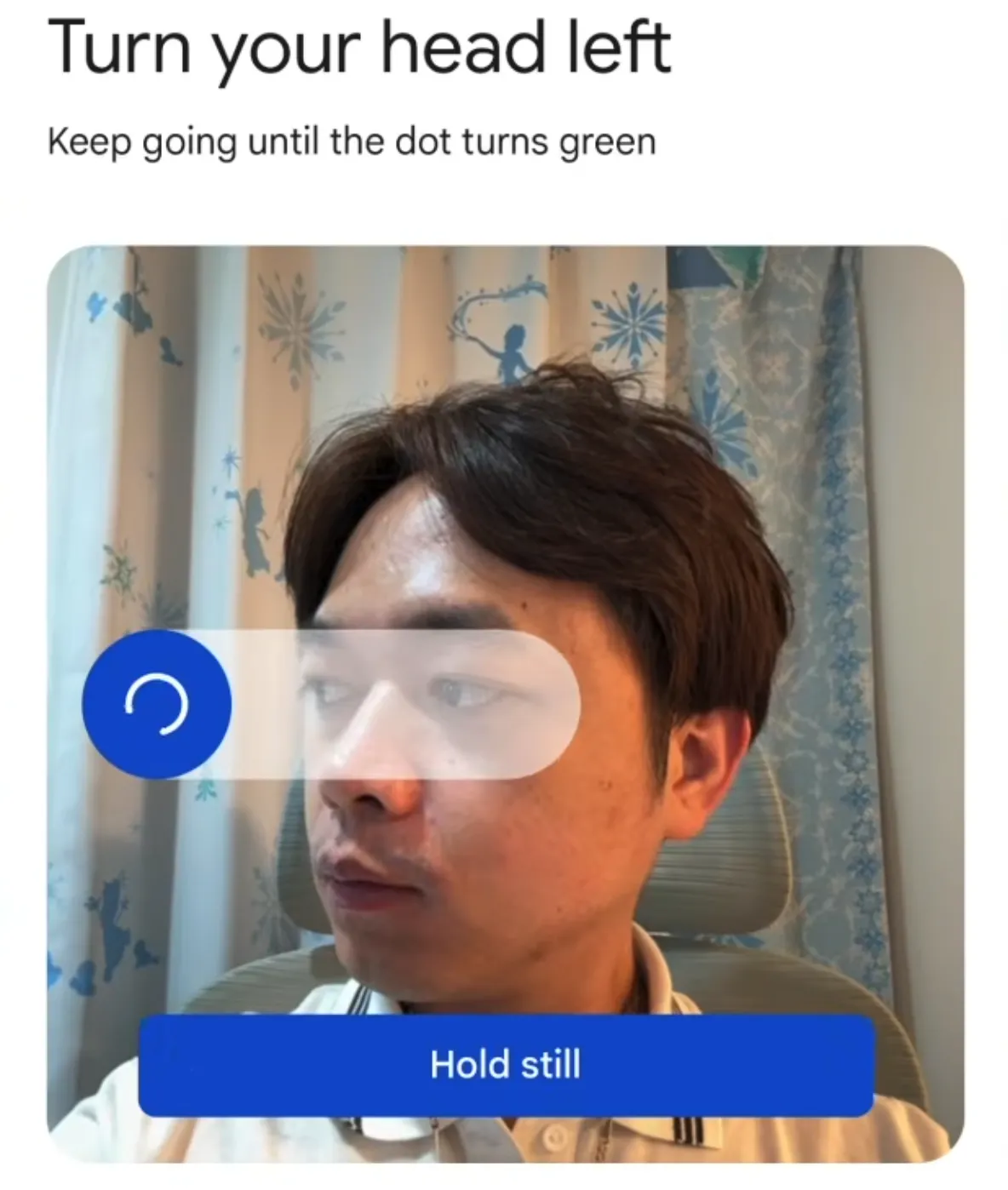
Step 4: Start recording your face following the instructions on your phone screen.
Pro Tip: Close your curtains to ensure a simple background and avoid complex light reflections, which helps the AI recognize your face without errors.
Step 5: Press Start and wait a few seconds. If an error occurs (due to angle or lighting), just try again once or twice. When the system says "Done," the AI has successfully saved your avatar.
How to Use Your Avatar to Create AI Videos
To learn the basics of using Google Flow to create AI videos, check out the video below:
☒
Once you have your Avatar, you're ready to become the lead actor in your own video:
Create a New Project on the Flow platform.
In the prompt box, type the @ symbol and select @Me (Your Avatar).
Write a prompt describing the action, setting, and outfit.
Example: @Me in a brown leather jacket, performing stand-up comedy in Vietnam and speaking Vietnamese.
Note: The Omni Flash model defaults to English. If you want the video to be in Vietnamese, remember to add the phrase "speak Vietnamese" at the end of your prompt.
In less than a minute and costing about 15 credits for a 10-second video, you'll get a video of yourself performing comedy with smooth movements and your own voice. The dialogue is automatically generated by the AI to be incredibly witty based on your prompt!
3. Creating a Character with a Custom Voice
Beyond cloning yourself, Omni Flash also lets you create entirely new Characters to interact with you.
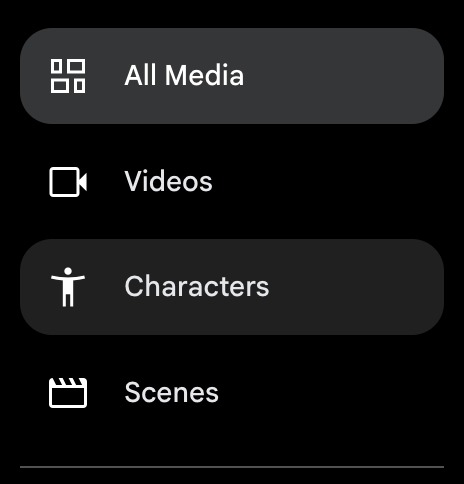
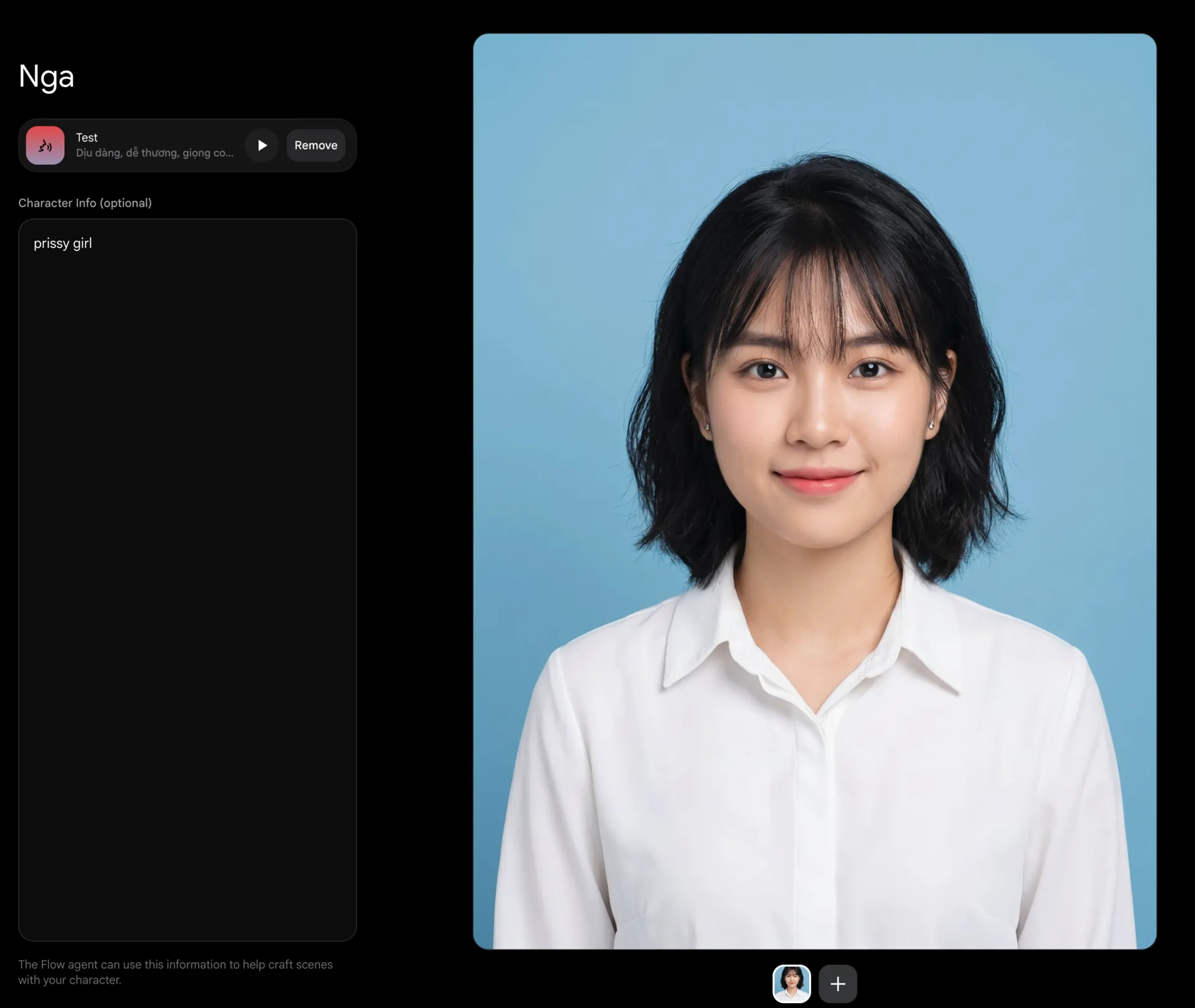
Upload an Image: From the left menu, select Character. You can upload a selfie or an AI-generated image.
Set the Voice: Choose between Male or Female. Even more impressively, you can use text to describe the specific voice you want. Example: "A gentle, cute female voice with a standard Western Vietnamese accent."
Describe Personality: Add keywords like energetic or humorous to help the AI shape the character's expressive style.
Name it: Finally, give your character a name (e.g., Nga) and save it.
And just like that, you've created a character for your project.
How to Add Characters to Your AI Video
The true power of Omni Flash lies in the fact that you can bring both Your Avatar and a Virtual Character into the same frame to interact.
In the Prompt box, simply type:
"@Me is in a coffee shop, on a date and confessing feelings to @Nga. Then @Me gets bluntly rejected by @Nga. Speak Vietnamese."
The system will render a complete video where you are acting and interacting directly with that virtual character. Even the dialogue is designed by the AI to match the "failed confession" scenario in a very realistic and natural way!
Man_rejected_by_woman_202605242252.mp4
(12 MB)
Conclusion
With Google’s new Omni Flash model, creating short videos, virtual travel vlogs, or films starring yourself has never been easier. Give the Avatar and Character features a try today and let your creativity run wild!
If you found this post helpful, don't forget to follow our YouTube channel Yuto Tech and our website YutoIT.com for the latest AI tips, computer tricks, and tech updates every day!
I created this blog in 2024, during the rapid development of AI technology. The goal of this blog is to share basic knowledge, computer tips, and guides on using basic AI tools. Thank you for visiting my website. I hope the articles on this website will be useful for you.