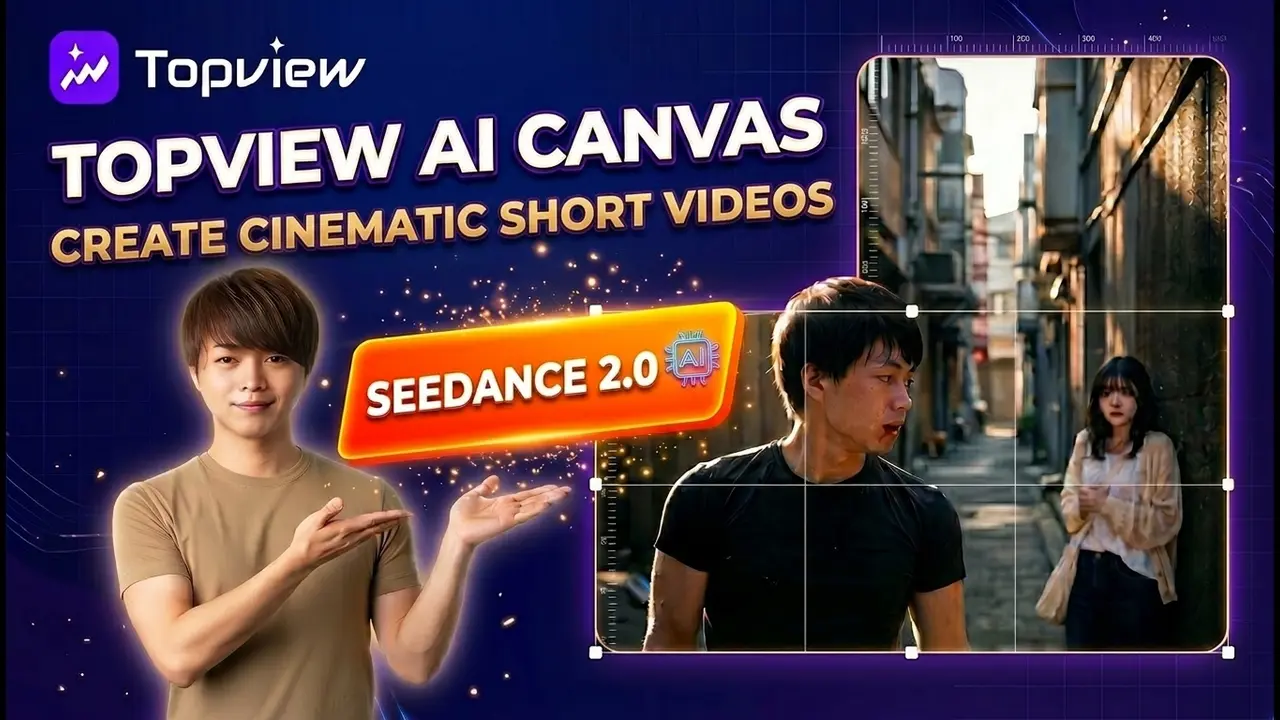
Are you struggling with writing complex prompts or having a headache trying to maintain character consistency in AI videos? Today, we'll explore how to create a complete cinematic short film just by chatting with AI.
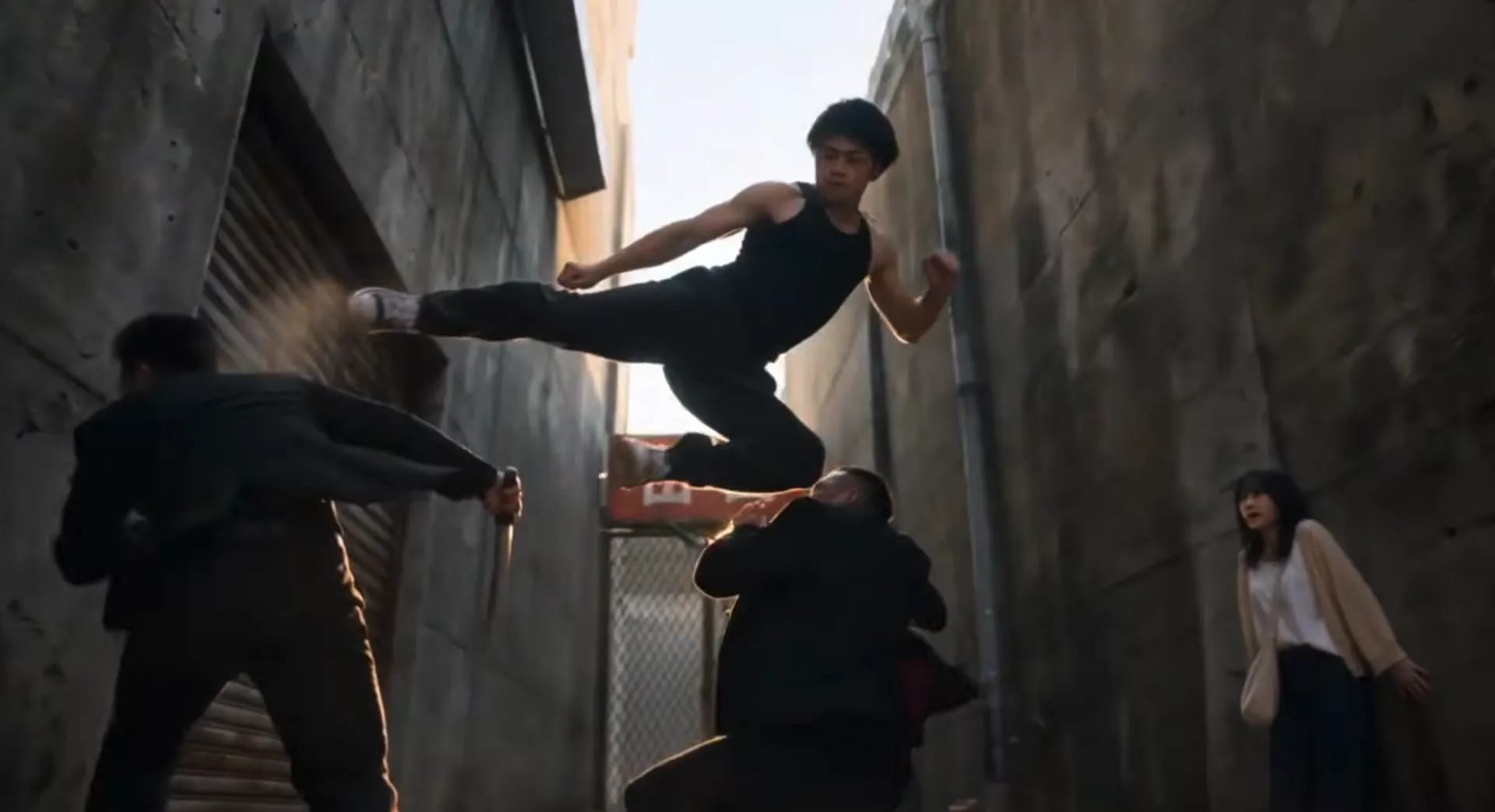
First, take a look at this short film, created entirely by simply chatting with an AI agent.
chien_dau_voi_xa_hoi_den.mp4
(123 MB)
With the TopView Canvas feature combined with the Seedance 2.0 model, every stage—from ideation and scriptwriting to storyboarding and video rendering—is automated. Let’s dive into the step-by-step process.
What is TopView Canvas? Amazing Benefits for AI Filmmaking
Previously, I shared a video on how to turn a viral video into your own using TopView AI:
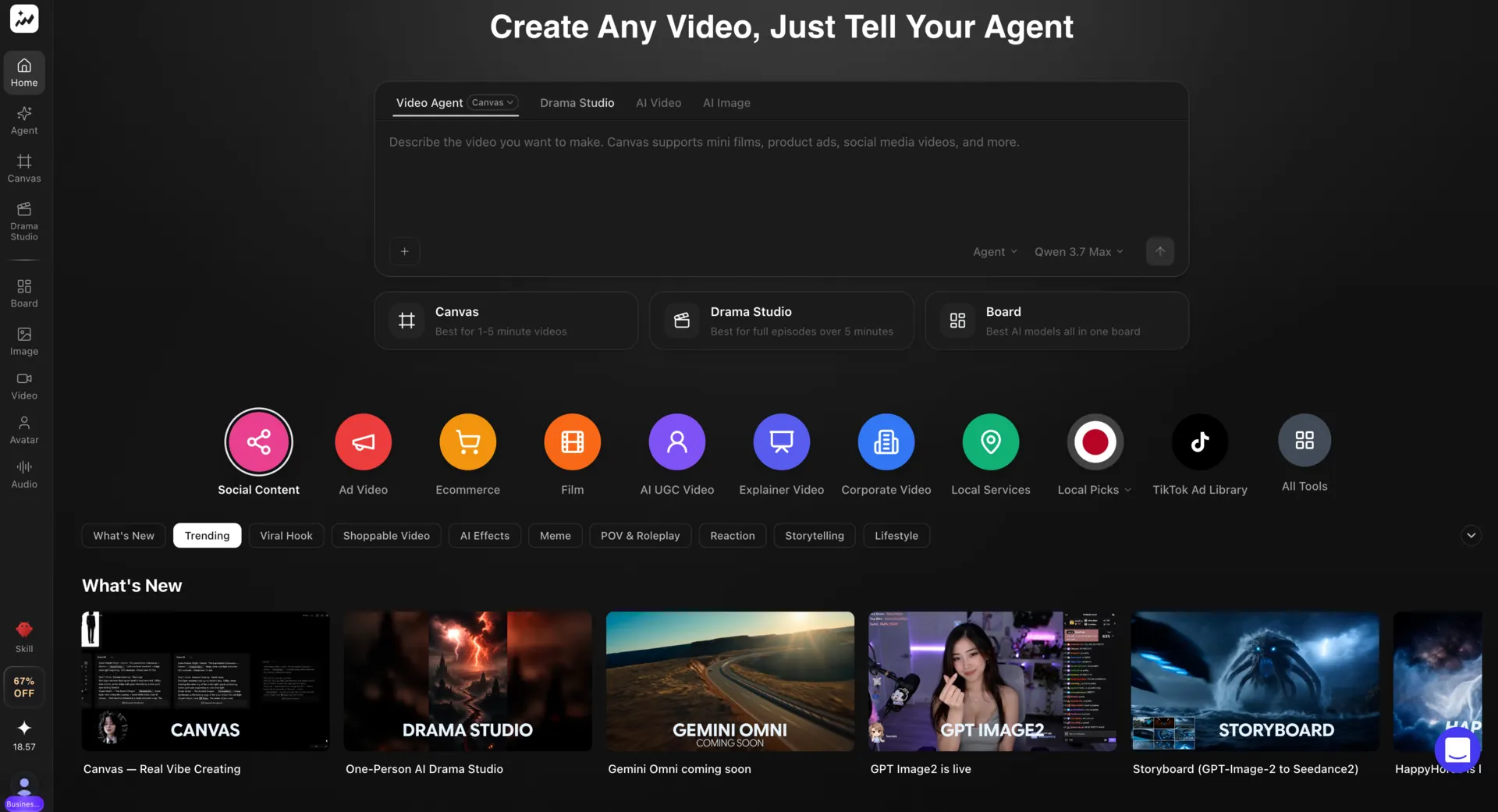
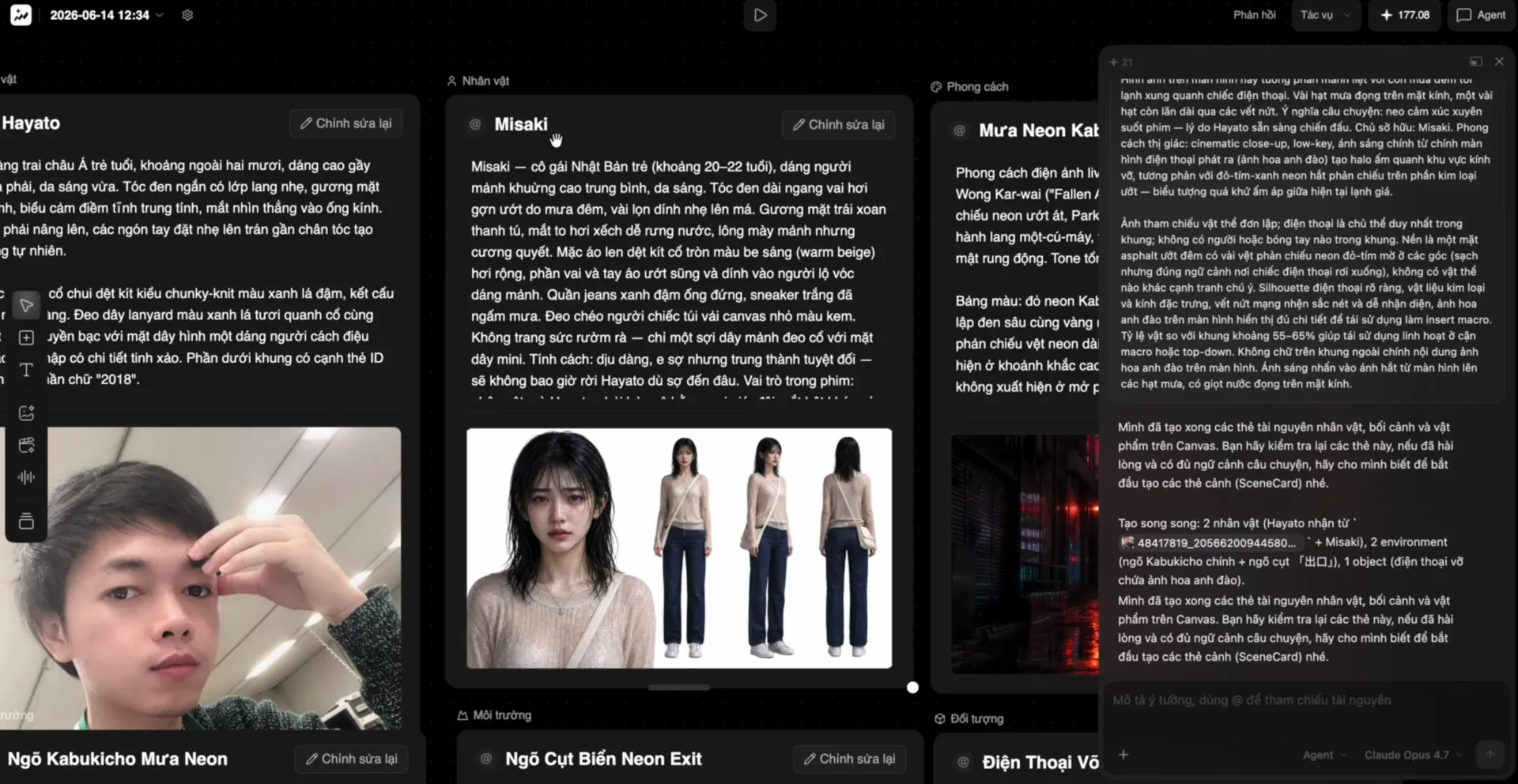
TopView Canvas is a powerful tool within the TopView AI ecosystem. Instead of struggling with complex individual prompts for every frame, TopView Canvas provides you with an AI Agent. You simply chat and describe your overall idea, and the AI handles everything else.
Key Advantages:
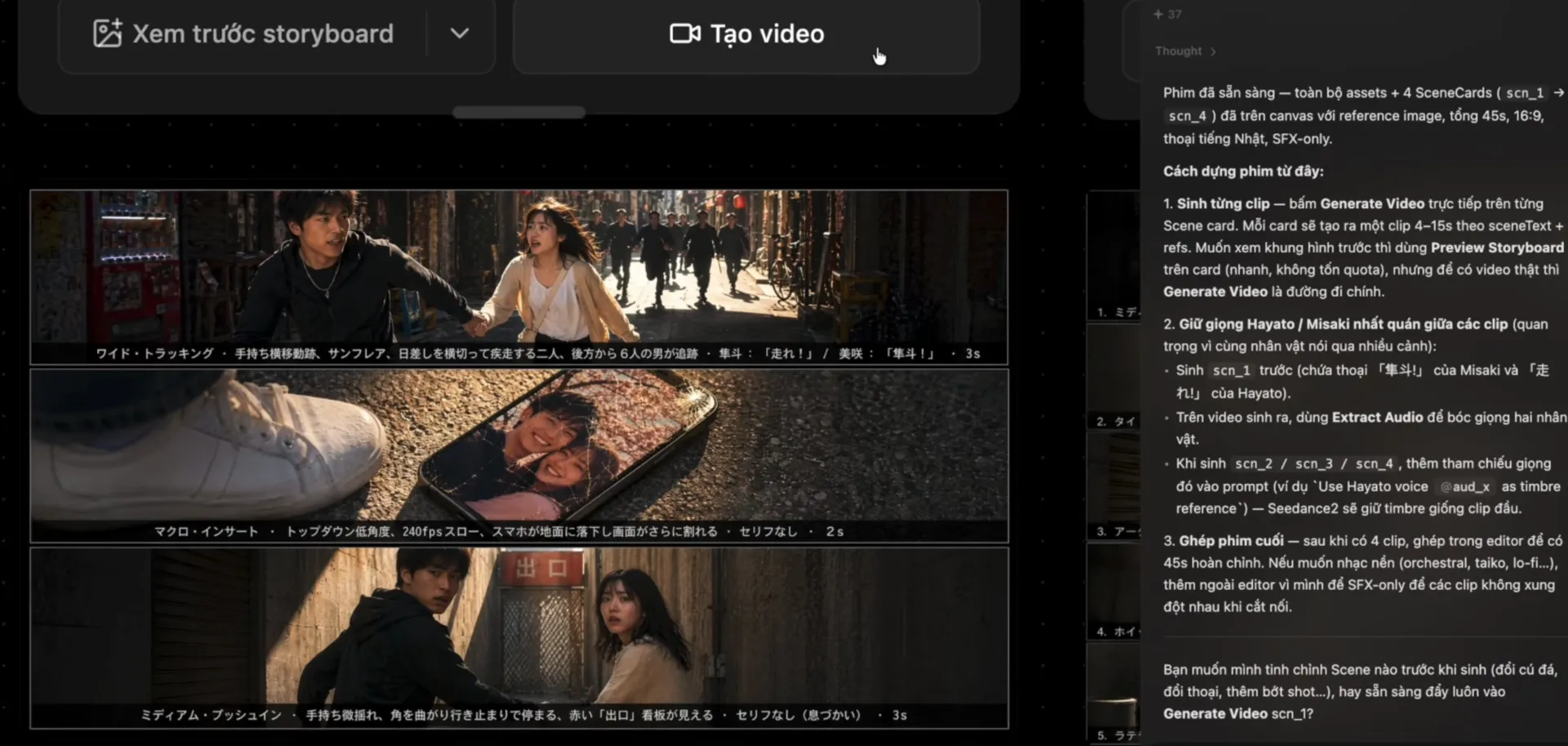
No complex prompting needed: The AI Agent automatically breaks down your idea into a detailed scene-by-scene script.
Perfect character consistency: You can upload a portrait photo so the AI recognizes and maintains a consistent character face throughout every frame.
Centralized management interface: All resources like scripts, images, and storyboards are organized on a single canvas, making it easy to drag, drop, and track—similar to using Figma.
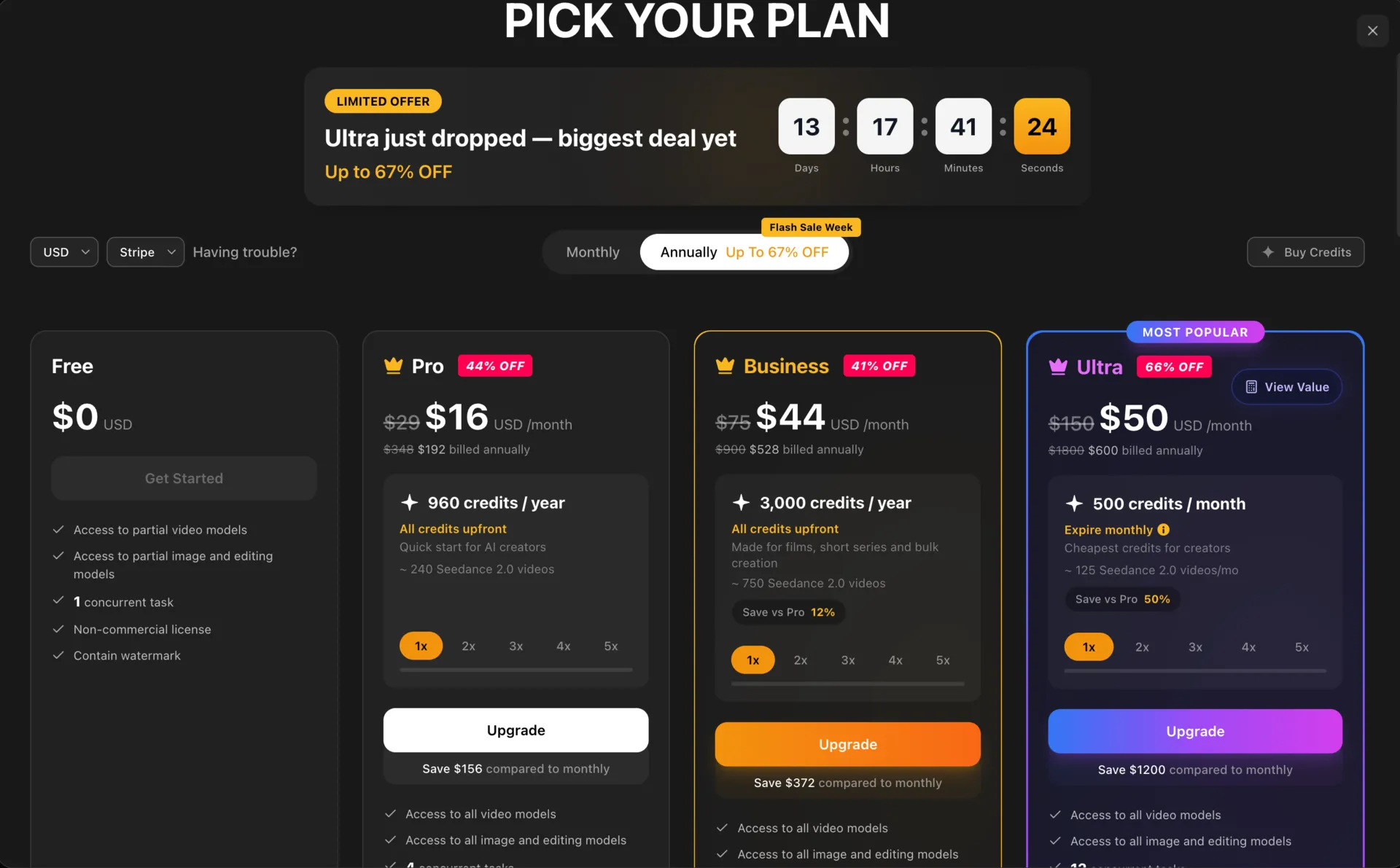
Visit the TopView AI homepage. You can easily sign up using your Google account. With a new free account, you'll receive 10 credits to explore the tool. For professional use, the Pro plan (approximately $29/month) provides a much more generous credit allowance.
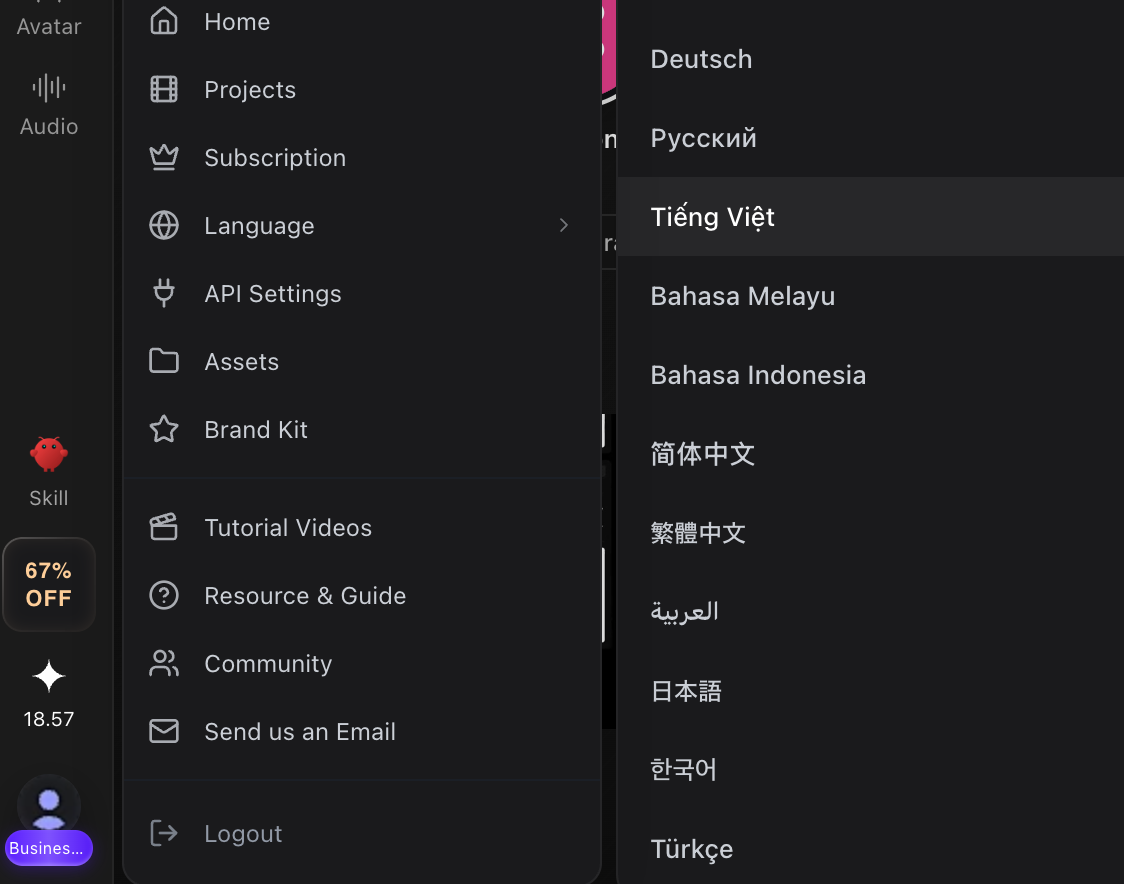
Change Interface Language
For easier navigation, hover over your Avatar in the top right corner, select Language, and switch to your preferred language.
The Process of Creating AI Videos with TopView Canvas
Step 1: Create a New Project and Select an AI Model
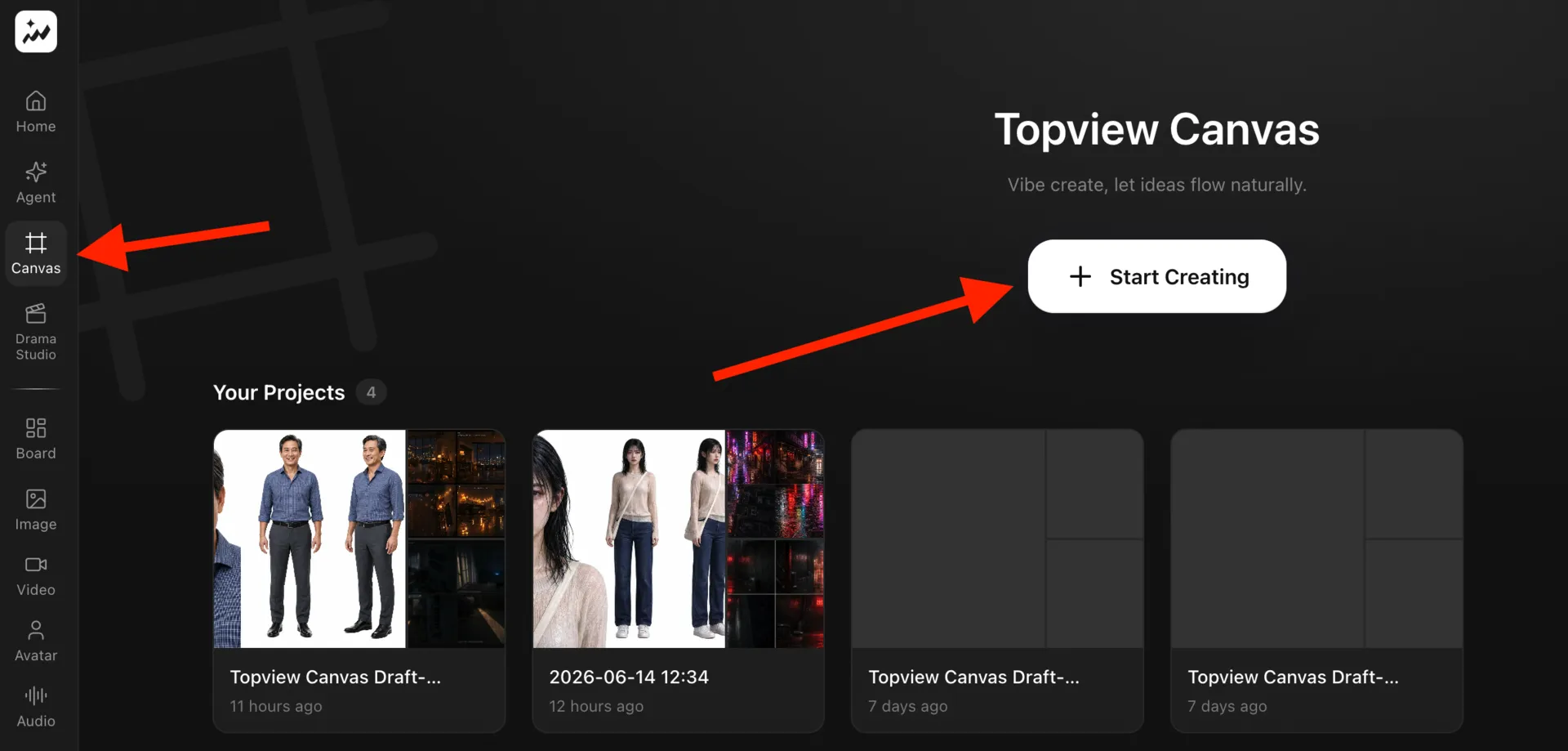
Go to the Canvas menu on the left sidebar and select Create New Project.
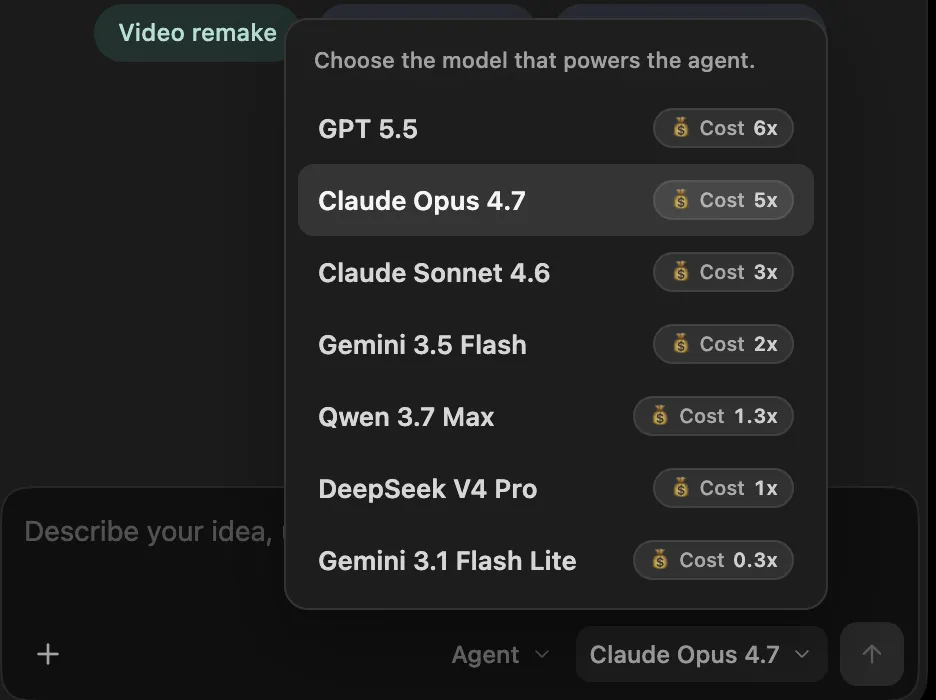
In the workspace, select the AI Agent Opus 4.7 (although it costs slightly more, its stability and script reasoning quality are outstanding).
Step 2: Provide Ideas (Prompts) and Reference Images
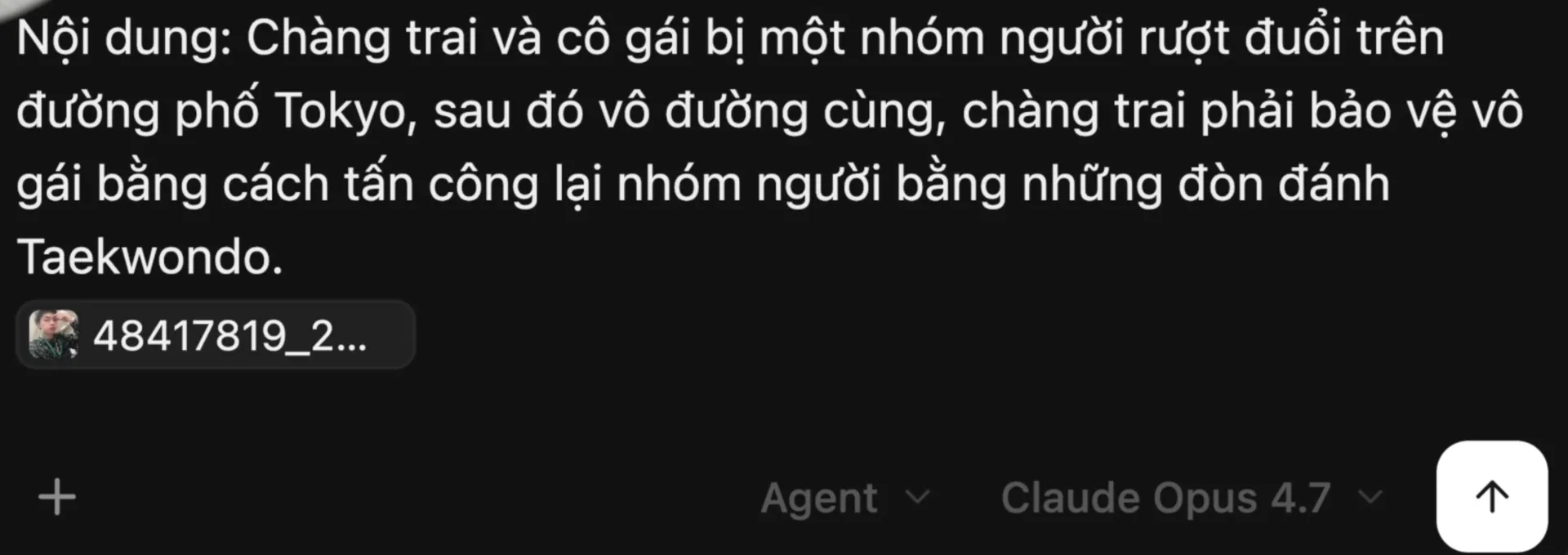
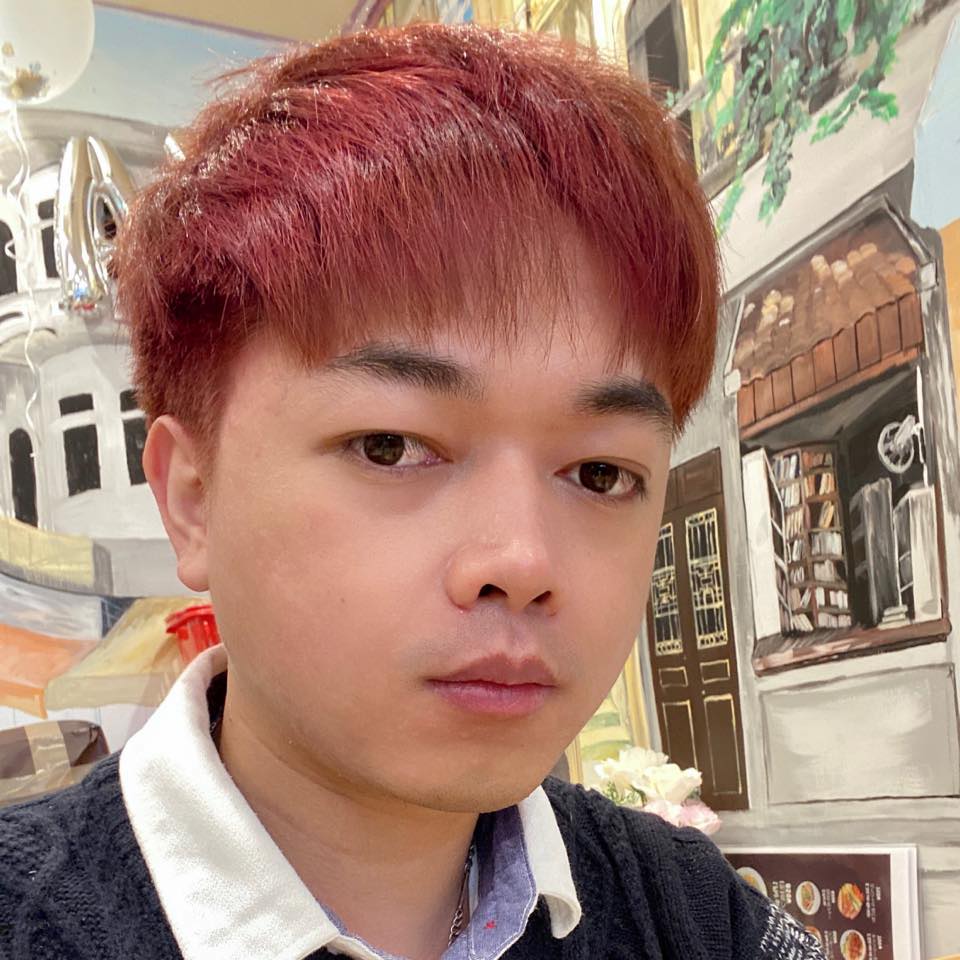
Enter a broad idea. For example: "A boy and a girl being chased through the streets of Tokyo. The boy protects the girl using Taekwondo moves." Importantly, drag and drop your personal photo into the chat and tell the AI: "This is the face of the male lead."
Step 3: Refine Script and Duration
After a few minutes, the AI will return a highly detailed scene-by-scene script. Here, you can ask the AI to make adjustments like a real assistant:
"Change the total duration to 45 seconds and switch the aspect ratio to horizontal 16:9 for YouTube."
"Focus more screen time on the martial arts action scenes."
Note: Currently, the Seedance 2.0 model handles Japanese dubbing very well, while Vietnamese isn't quite accurate yet. You can request the characters speak Japanese to enhance the cinematic feel.
Step 4: Preview Storyboard and Adjust Details
Once the script is finalized, the AI will generate Storyboards. If you find a scene too dark, just chat: "I want to change all scenes to bright daylight." The AI will immediately update every frame.
Step 5: Generate Video and Download
When you're satisfied with the Storyboard, click the Generate Video button for each scene. You can choose to render in 720p or 1080p resolution (high resolution costs double the credits). The Seedance 2.0 model excels at complex action and martial arts sequences.
Once the short clips are generated, you can download them for free (without spending additional credits). Finally, just use editing software (like CapCut or Final Cut Pro) to add a few finishing touches—insert sound effects, background music, and subtitles—and you'll have a cinematic short film ready to go!
Summary
TopView Canvas, combined with an AI Agent and Seedance 2.0, is truly a giant leap forward, allowing anyone to direct their own masterpiece without needing deep knowledge of Prompt Engineering. Experience it for yourself and turn your wildest ideas into stunning cinematic footage!
I created this blog in 2024, during the rapid development of AI technology. The goal of this blog is to share basic knowledge, computer tips, and guides on using basic AI tools. Thank you for visiting my website. I hope the articles on this website will be useful for you.