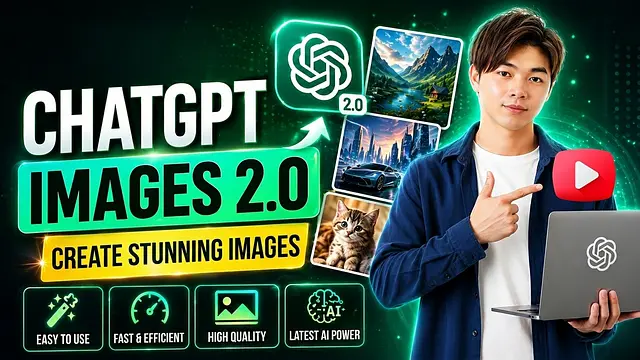
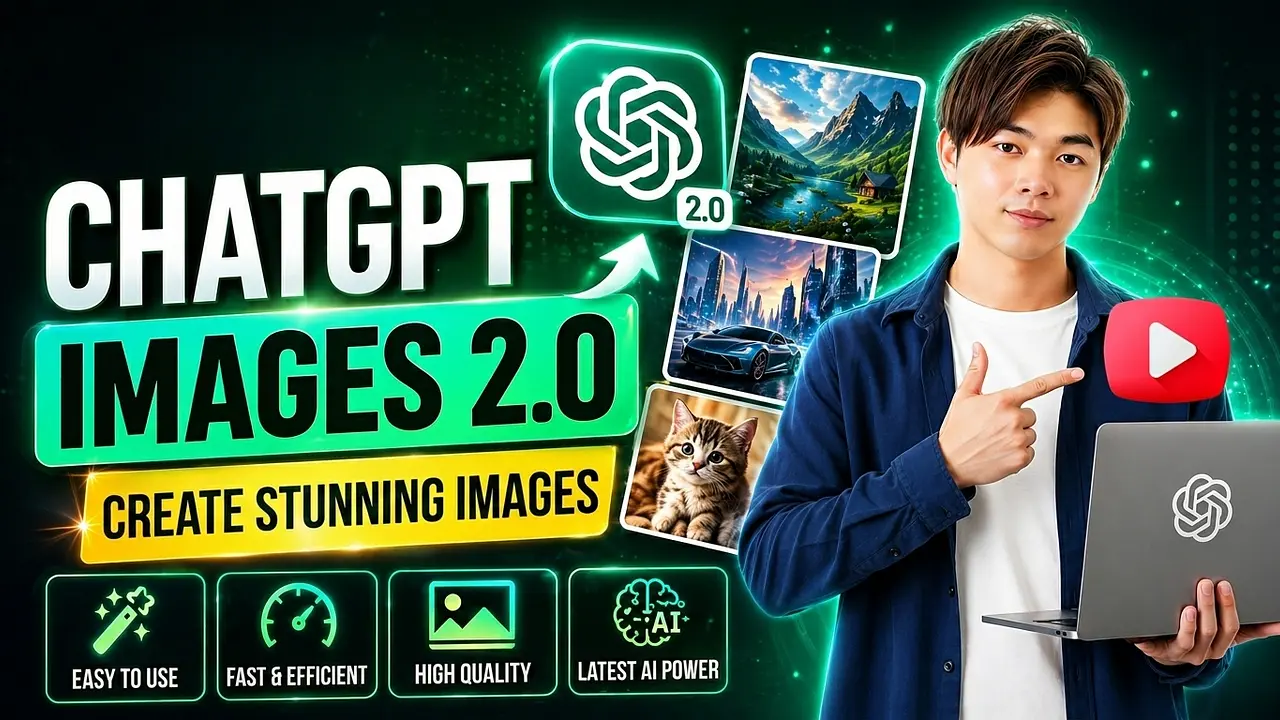
Vào giữa tháng 4 vừa qua, OpenAI đã trình làng mô hình tạo hình ảnh hoàn toàn mới mang tên ChatGPT Images 2.0. Sự ra mắt này thực sự đã tạo nên một cơn sốt khi mang lại khả năng tạo ảnh chân thực đến mức đáng kinh ngạc, thậm chí được đánh giá là ăn đứt các công cụ tạo ảnh đình đám trước đó như Midjourney hay Nano Banana ở khía cạnh tái tạo đời thực.
This article will guide you in detail on how to harness the full power of ChatGPT Images 2.0 for work and everyday life.
Overall Review: What's New in ChatGPT Images 2.0?
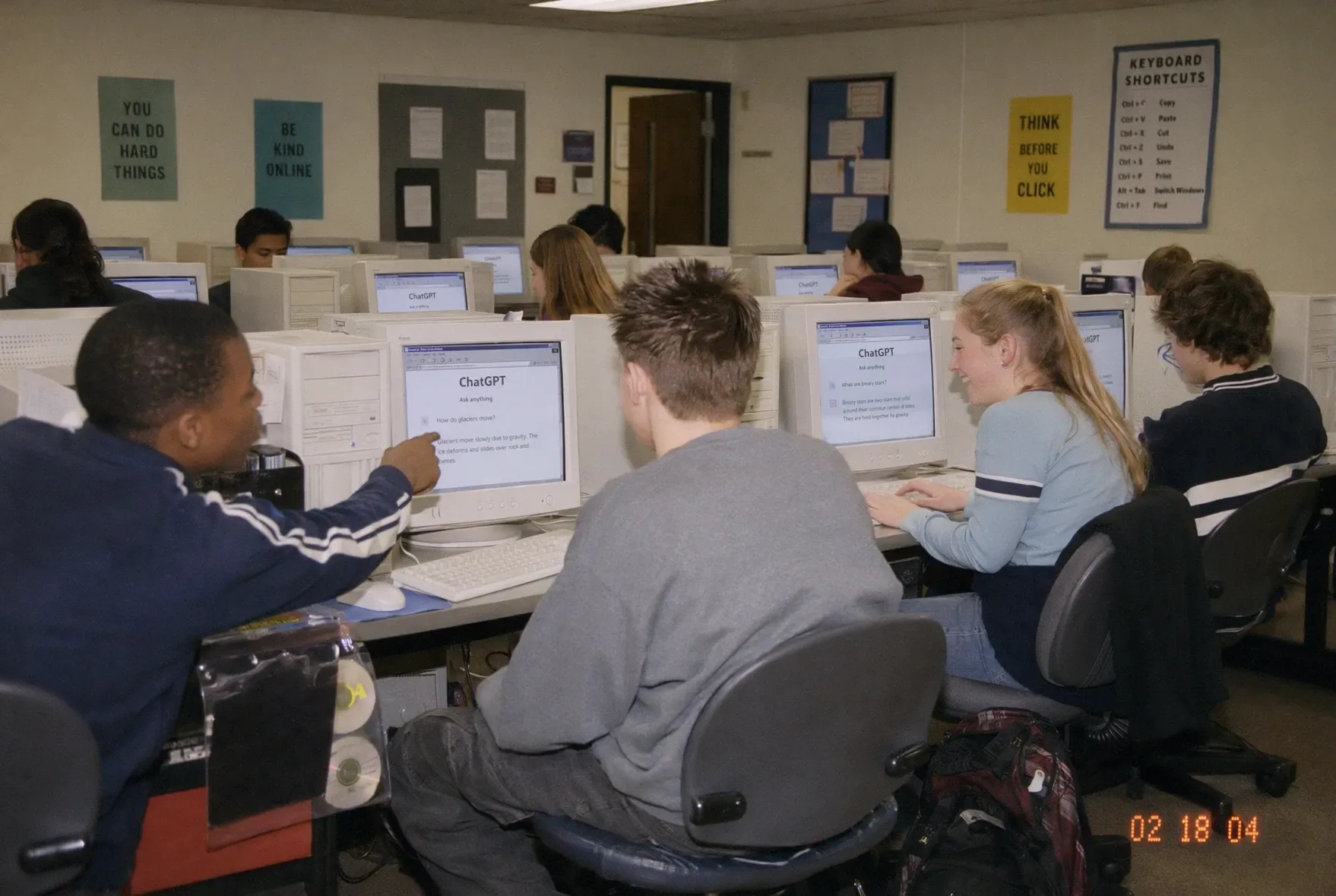
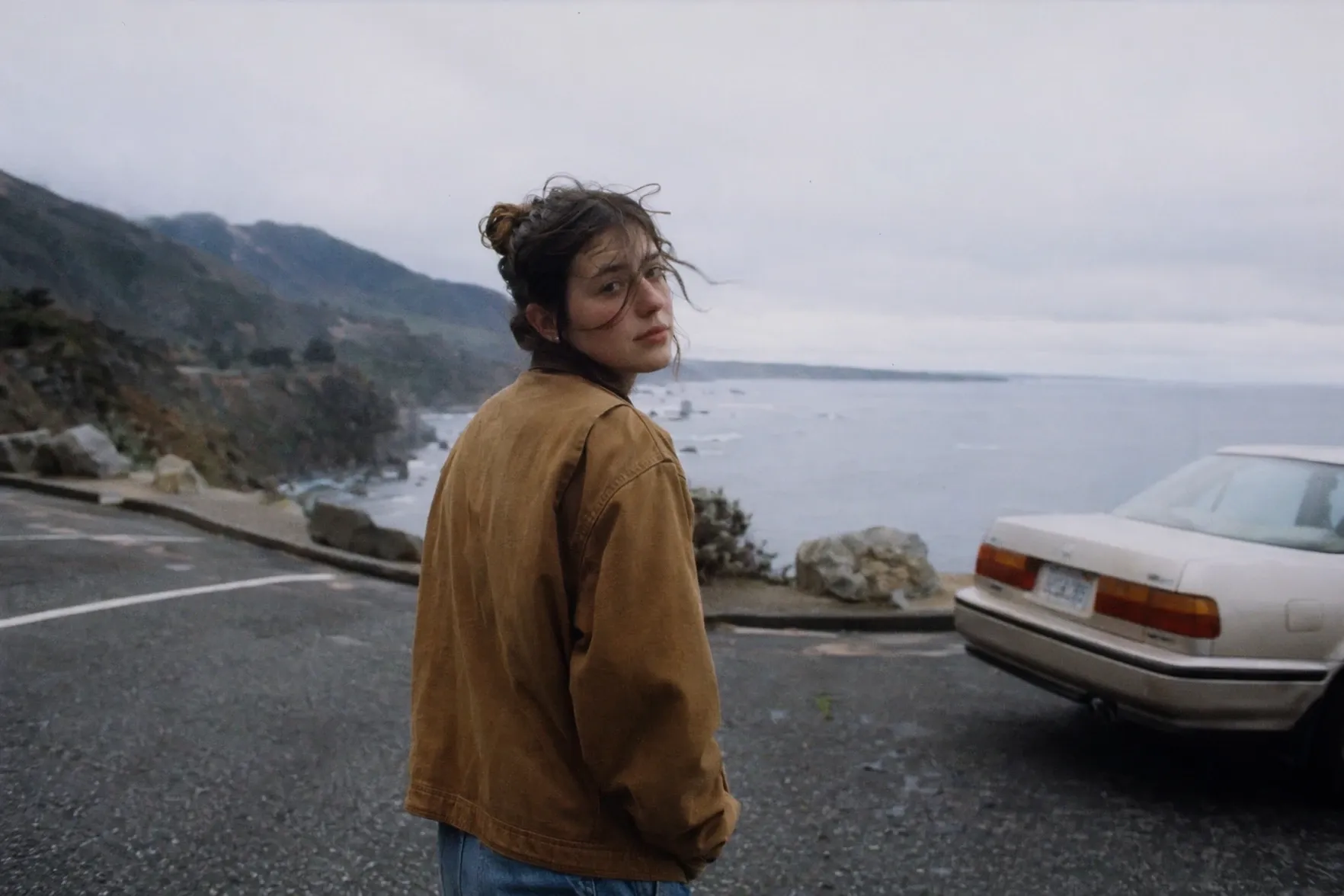
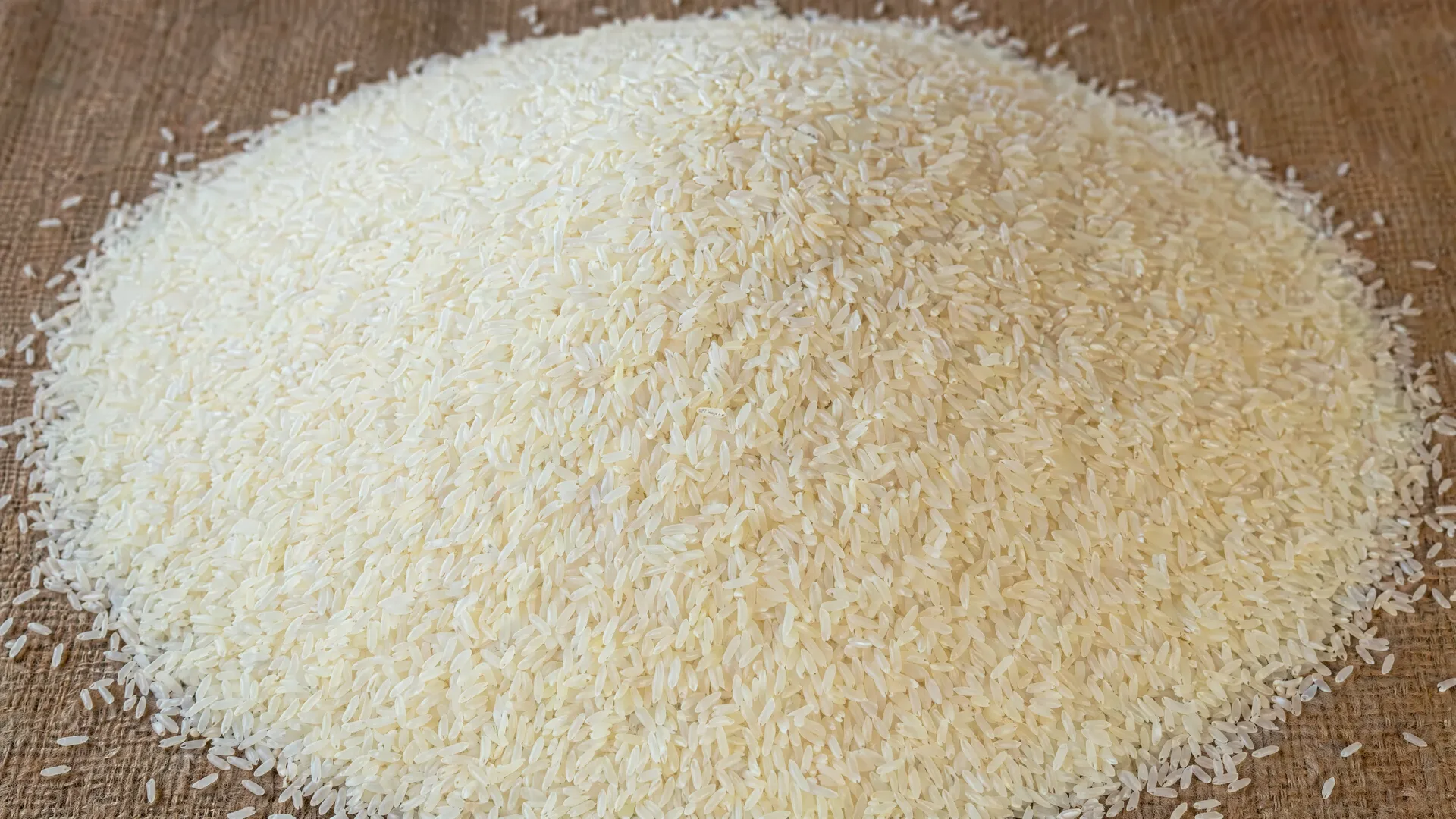
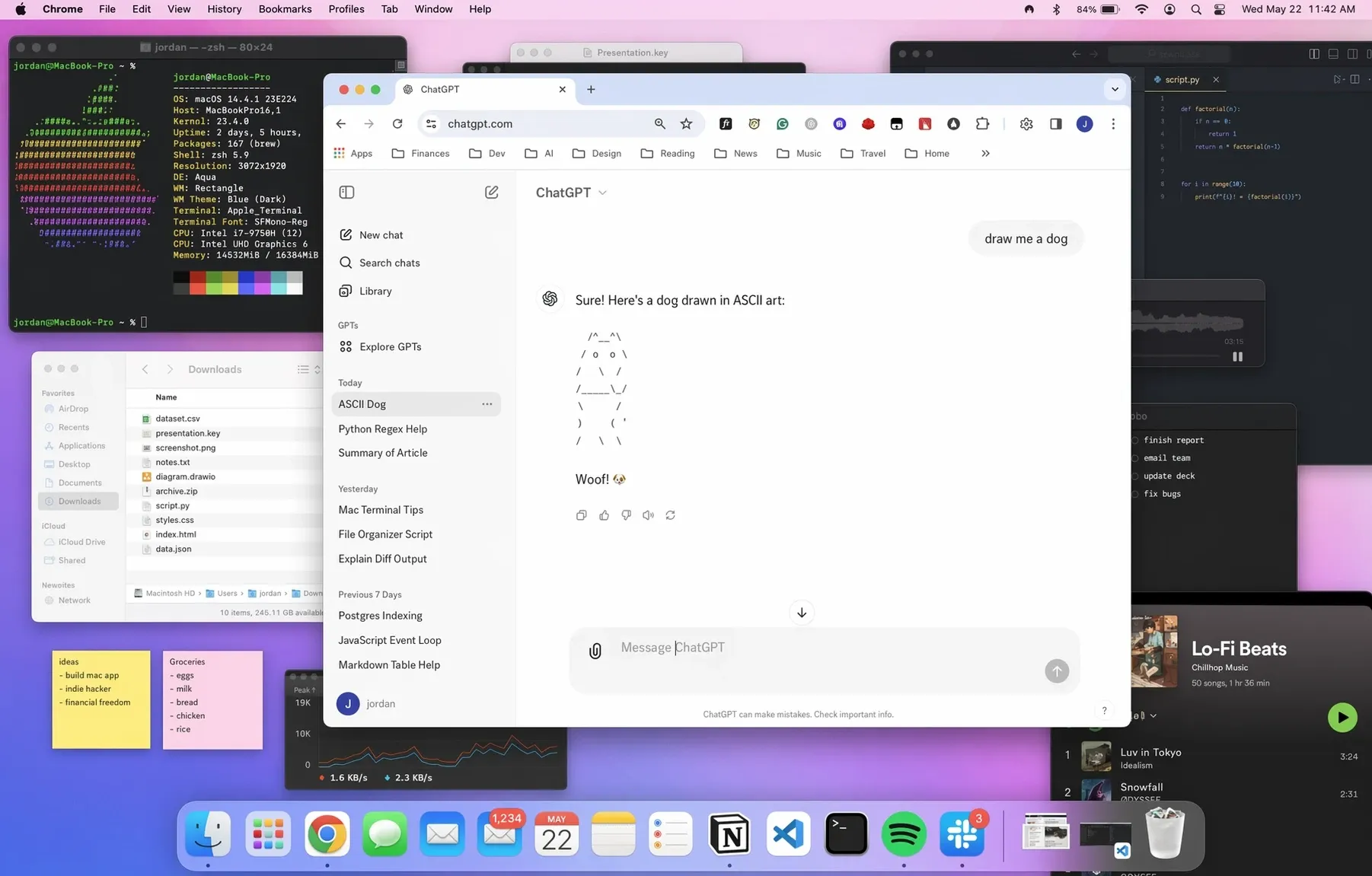
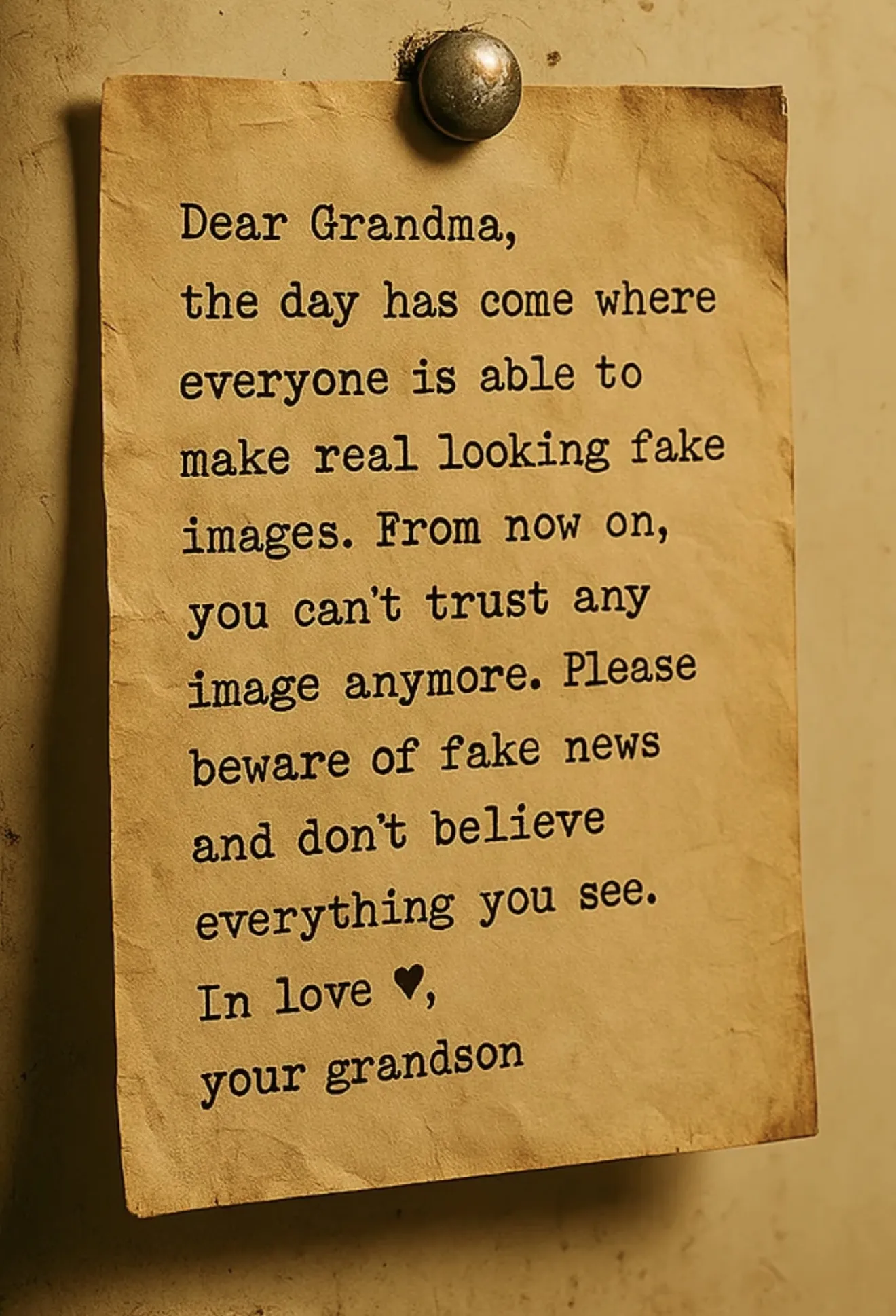
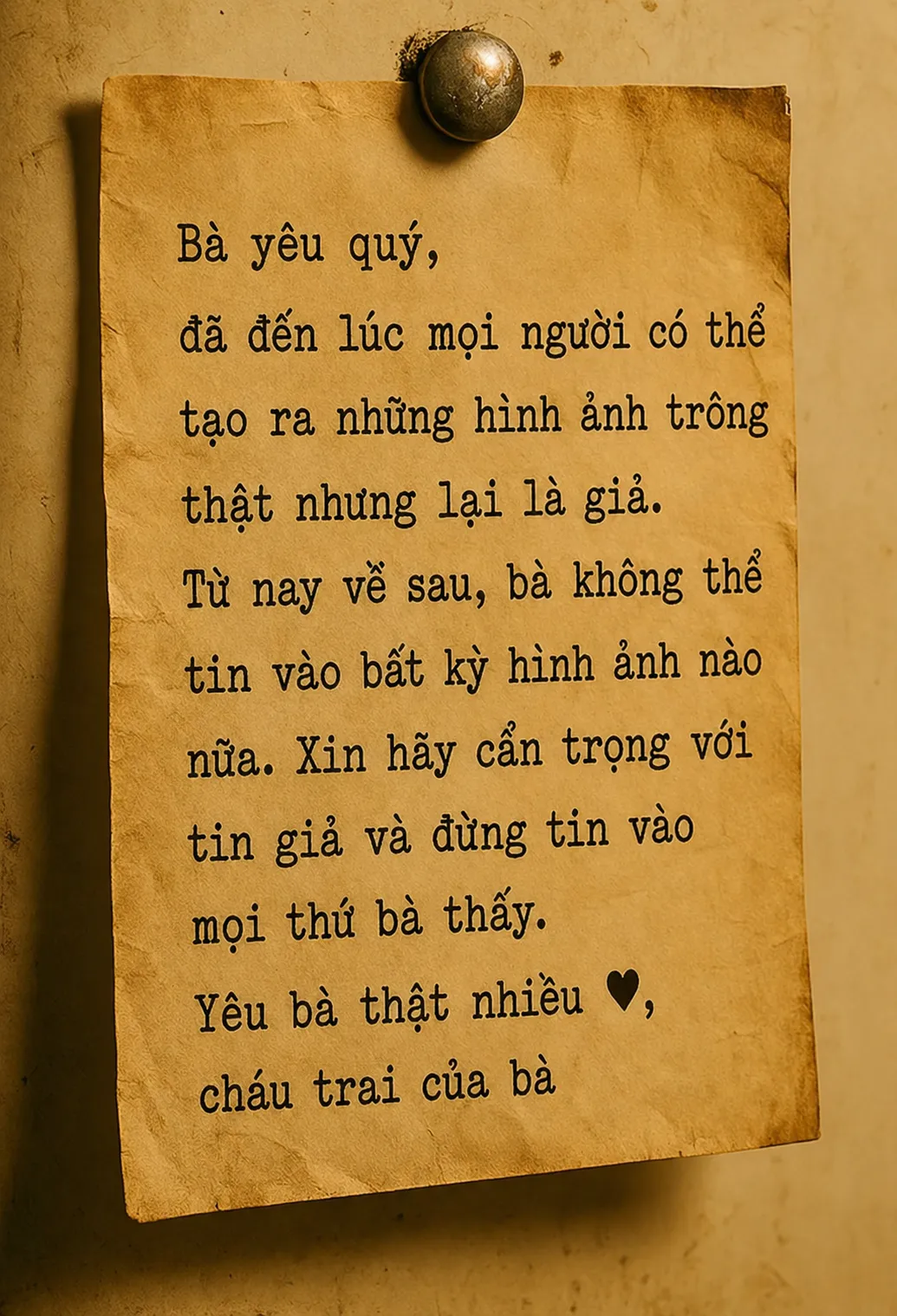
The standout feature of this version is its photorealism. The generated images no longer carry that distinct "plastic" or artificial AI feel. From crumpled handwritten notes and computer screenshots to printed media, everything achieves such a high level of finish that viewers often struggle to tell what's real and what's not.
What's more, Vietnamese font issues and other language problems have been completely resolved. Now you can freely instruct the AI to render Vietnamese text on signs, posters, or menus without worrying about missing accents or spelling errors.
Usage Limits:
Free account: ChatGPT limits you to roughly 2–5 images per day.
Plus account: Roughly a few dozen images every 3 hours.
Pro account: Virtually unlimited—you can generate images continuously for work.
How to activate: No complicated setup required; the Images 2.0 model is enabled by default on ChatGPT.com.
Exploring the Top Applications of Images 2.0
Below are real-world use cases and concrete examples to help you master this tool.
Generate perfect text in images—no font errors
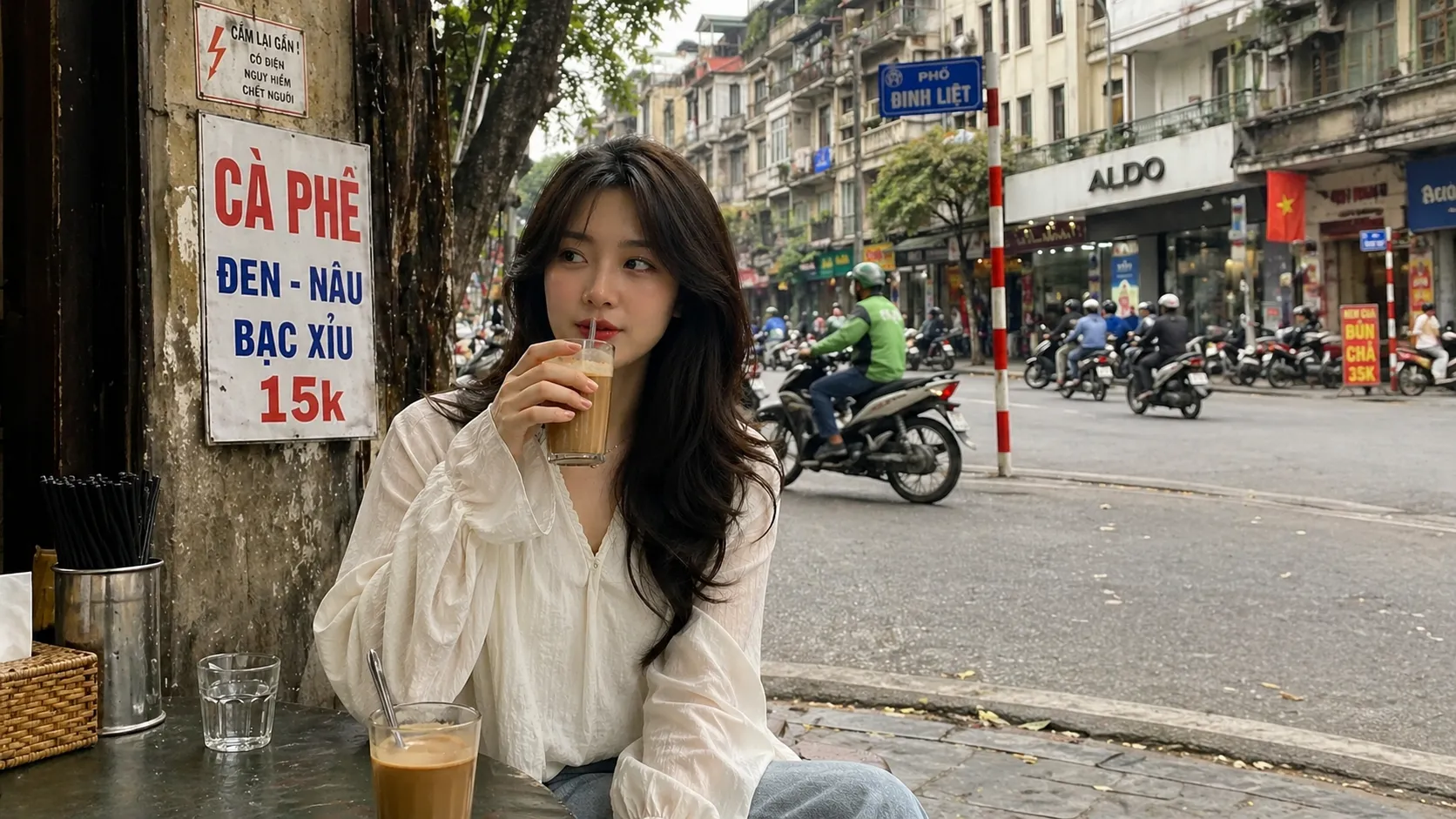
With a simple prompt like "A beautiful Vietnamese girl drinking coffee on a Hanoi sidewalk", the AI delivers results in just over ten seconds. While minor logical glitches may still appear (such as a street sign floating in the middle of the road), facial details and especially the Vietnamese text on warning signs or café menus render with impressive clarity and accuracy.
Choose aspect ratios
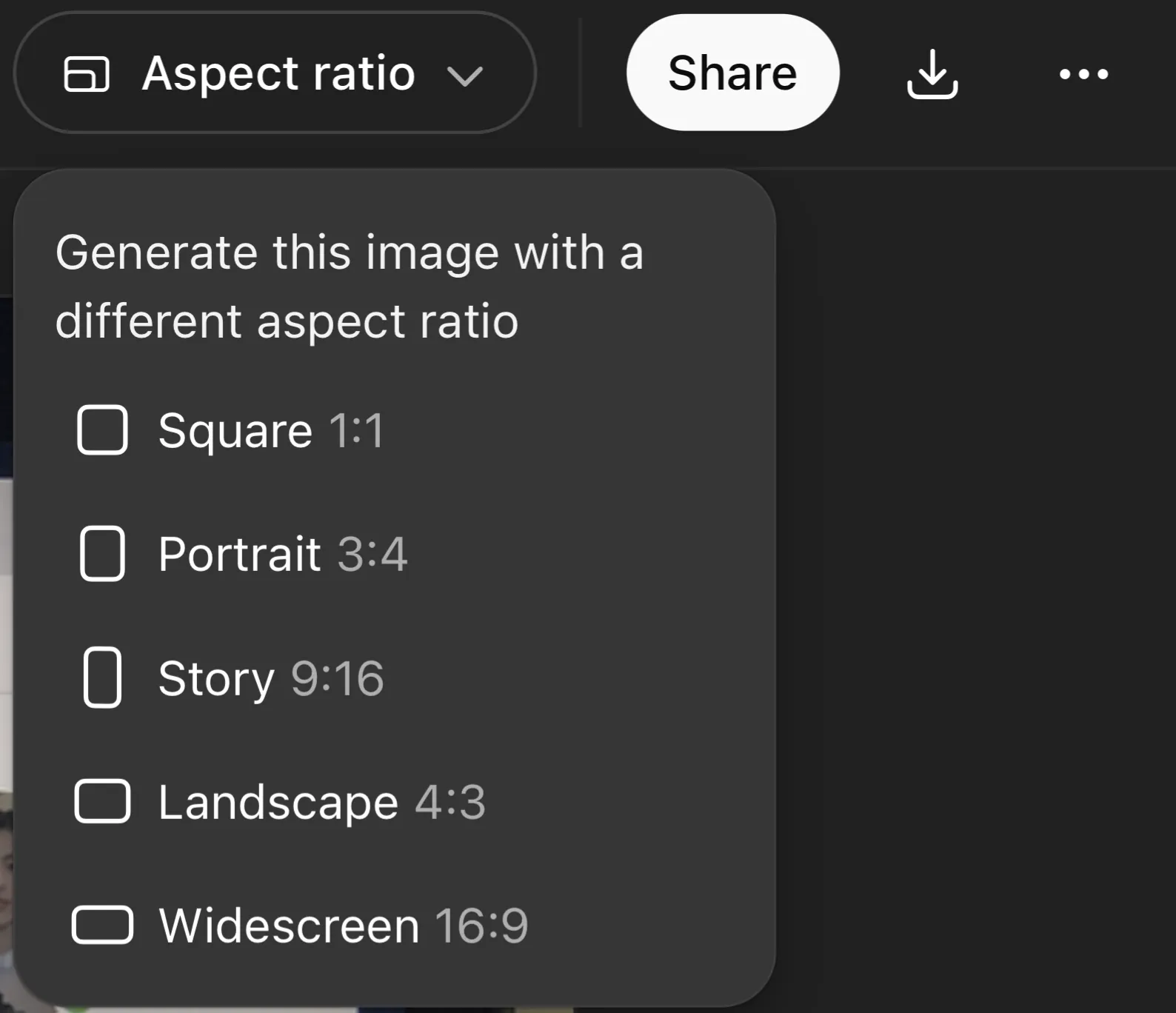
After generating a square or portrait image, if you want to use it as a YouTube cover or thumbnail, there's no need to rewrite the prompt. Simply click the "Aspect ratio" icon in the top-right corner of the screen and select 16:9 Widescreen. Wait about 15–20 seconds and the AI will automatically expand the sides to match the new ratio without distorting the original image.
Besides that, if you like the overall composition but want to tweak a small detail (for example, hard-to-read text), use the "Edit description" box right below the image and describe the change. The AI will only modify that specific part while keeping everything else intact.
Stuck for ideas? Use ChatGPT's suggestions
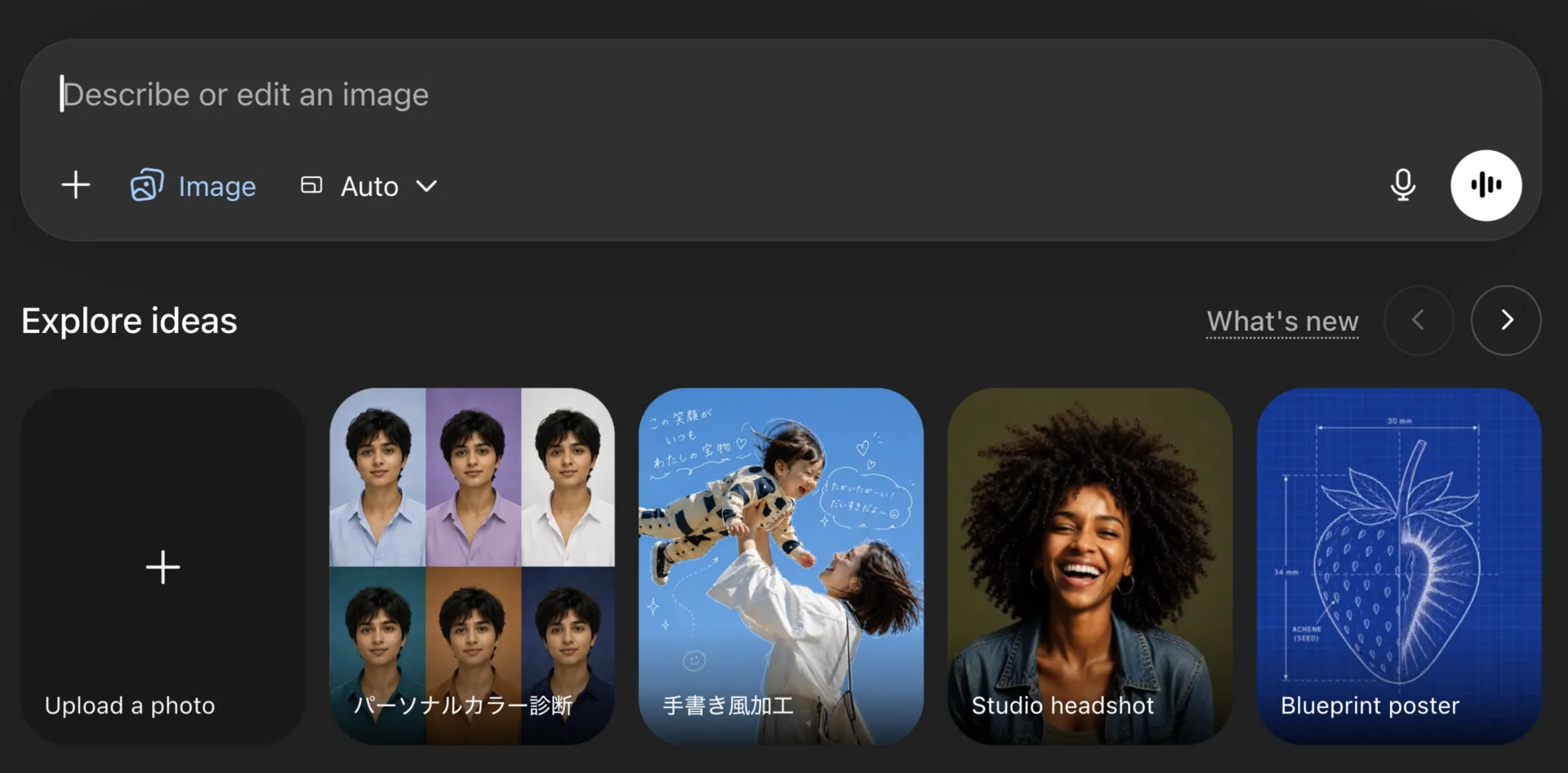
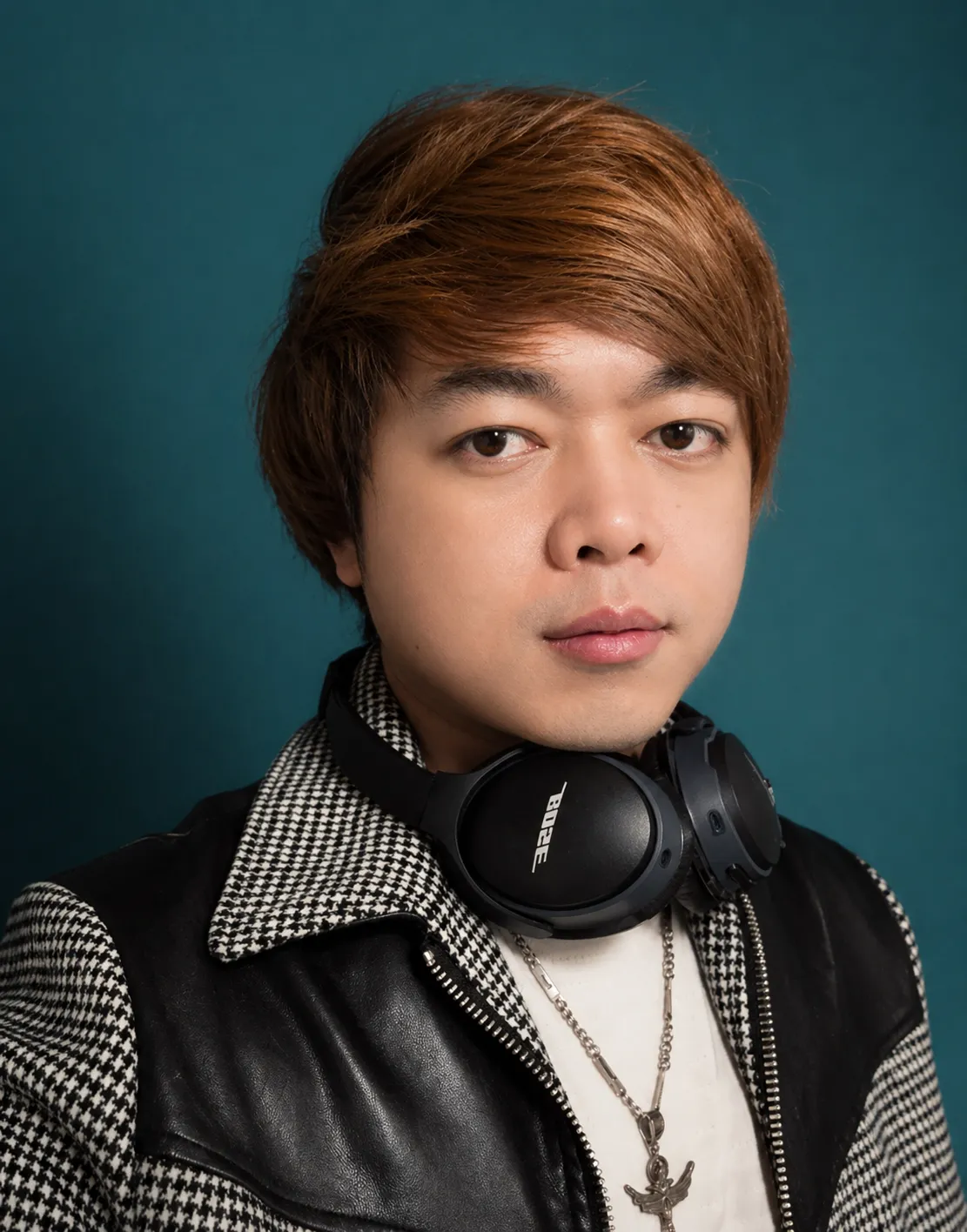
If you're out of ideas, the ChatGPT home screen offers ready-made image prompts. For example, selecting the "Studio Portrait" style and uploading your own photo lets the AI automatically write the prompt and process it. It preserves your facial features while completely changing the lighting and background to make it look like a professional studio shot.
Create professional ads or posters
This is a lifesaver for business owners, HR professionals, or anyone not familiar with design:
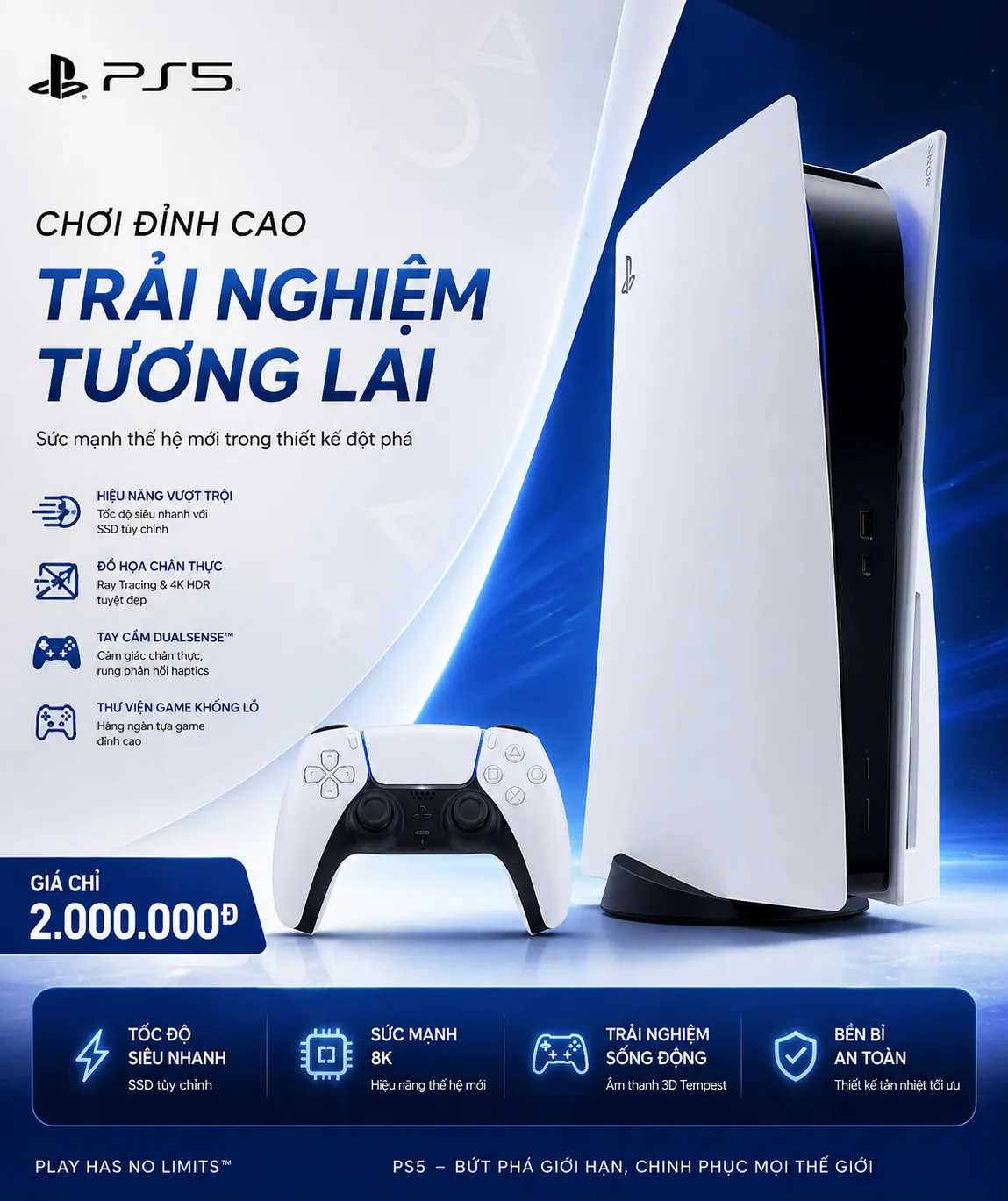
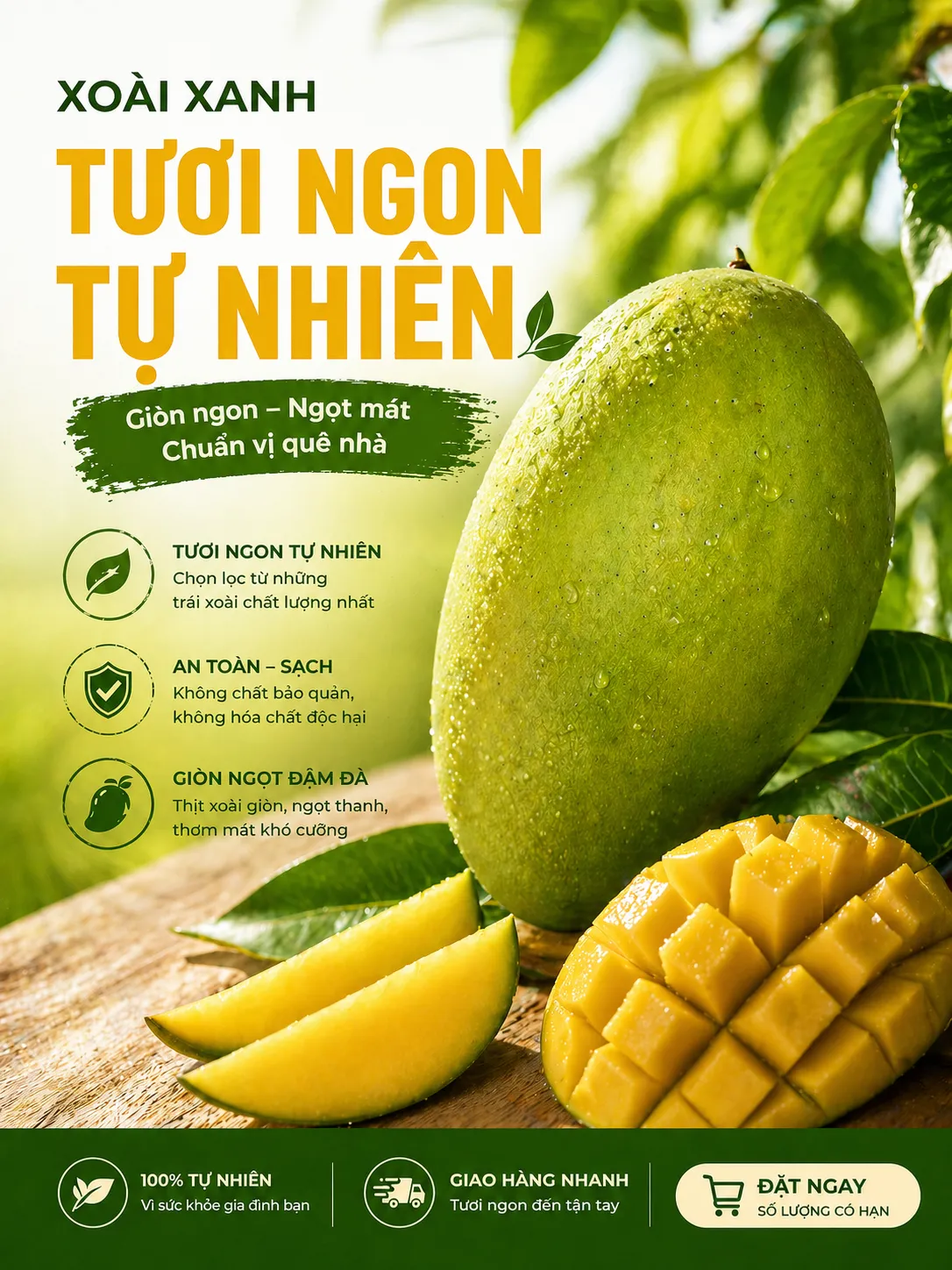
Product ads: Upload a raw product photo (for example, a PS5 or a mango) and type: "Create a professional ad for this product, priced at 2 million VND". The AI will recognize the item, add eye-catching effects, insert a logo, and naturally place Vietnamese text like "Naturally fresh" or "Only 2 million."
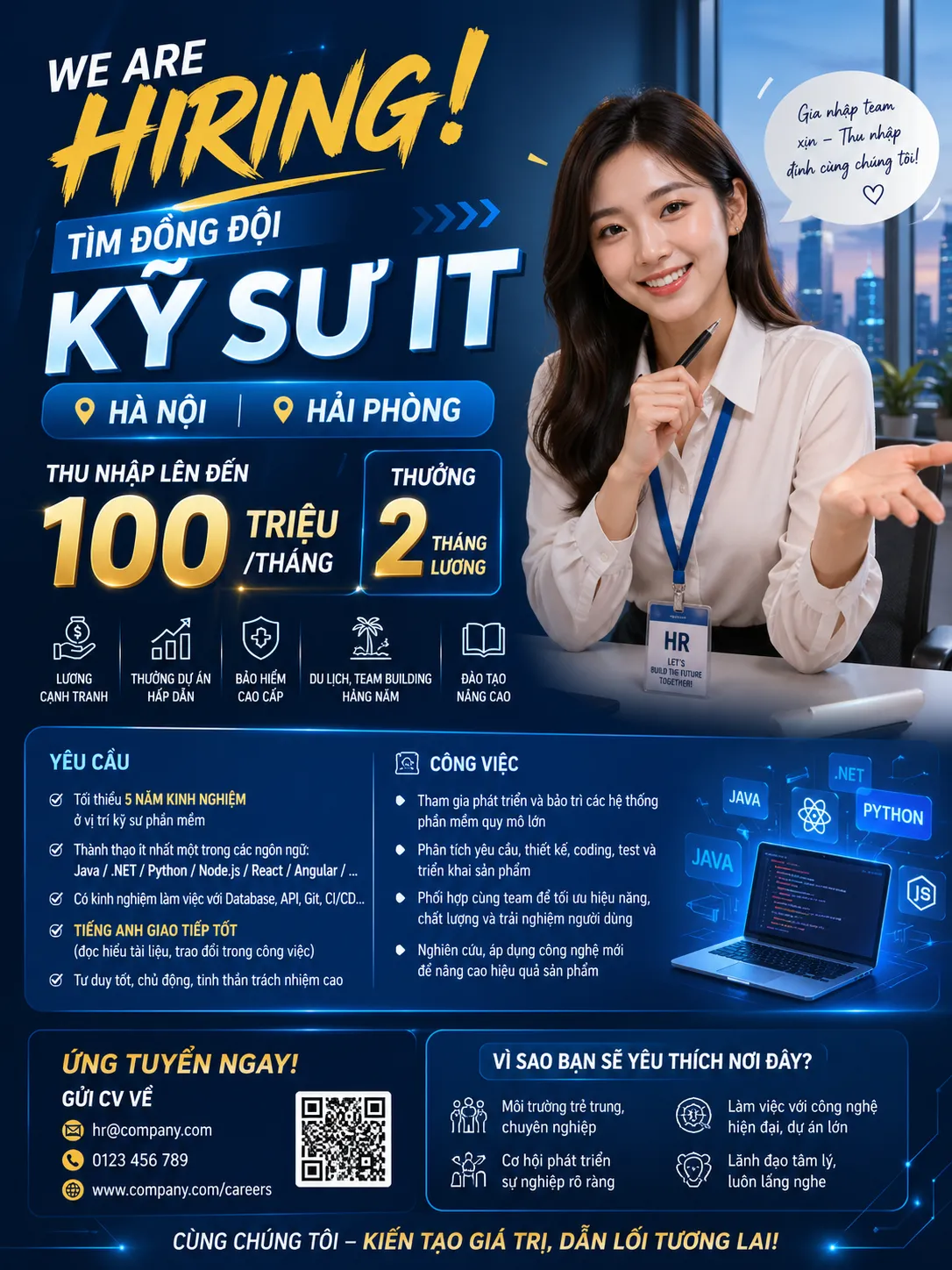
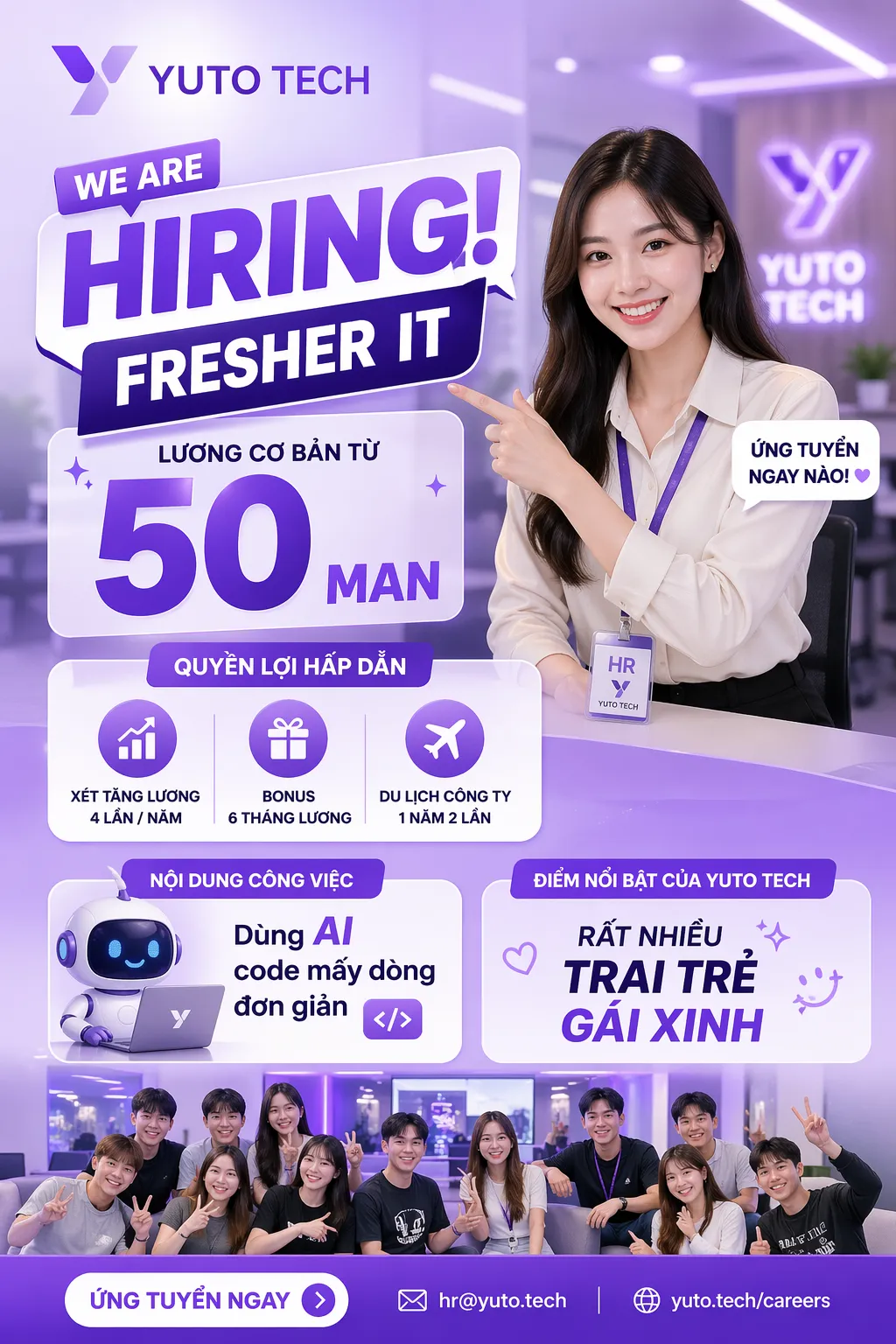
Recruitment posters: Instead of plain text posts, ask the AI to create a poster looking for IT engineers in Hanoi/Hai Phong featuring an attractive HR representative. The result will include salary details and job location presented professionally, making it far more appealing to candidates.
Create professional YouTube thumbnails
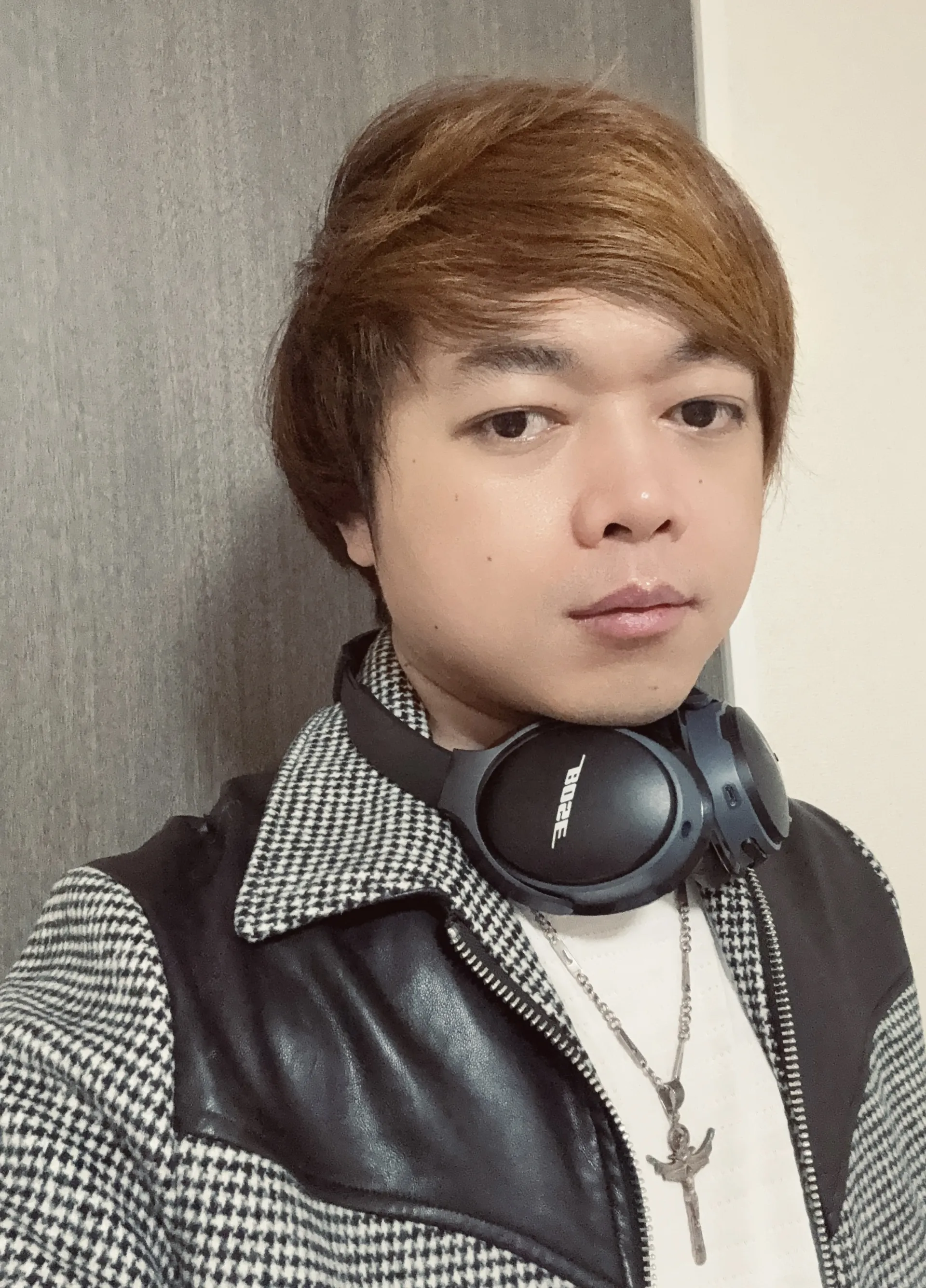
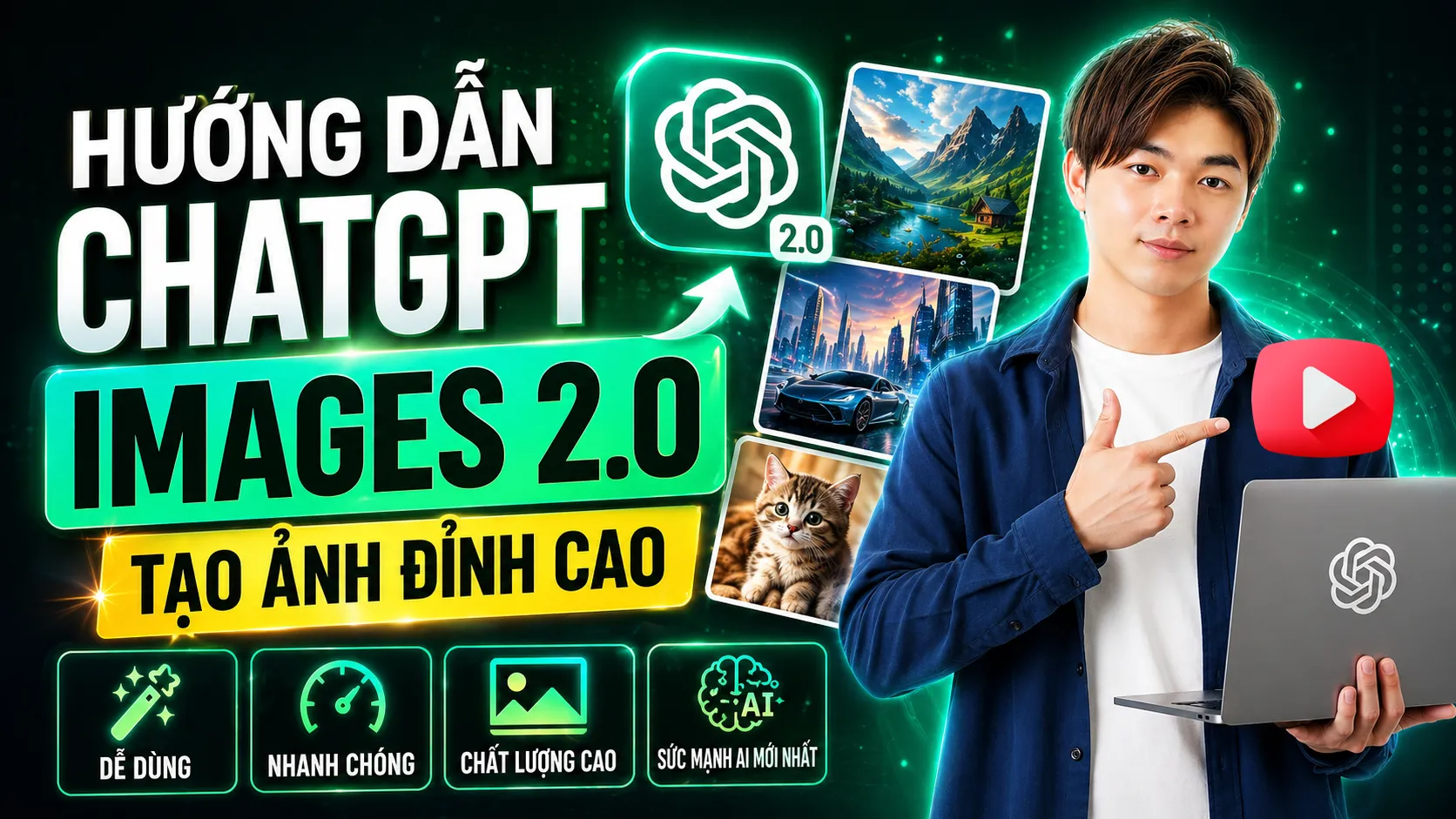
Upload your portrait, enter the video title, and request an eye-catching thumbnail. The AI will add bold text and a balanced layout. Then simply use the 16:9 aspect ratio tool or specify 16:9 directly in the prompt to get a ready-to-use YouTube cover.
Keep the face and change outfits or backgrounds
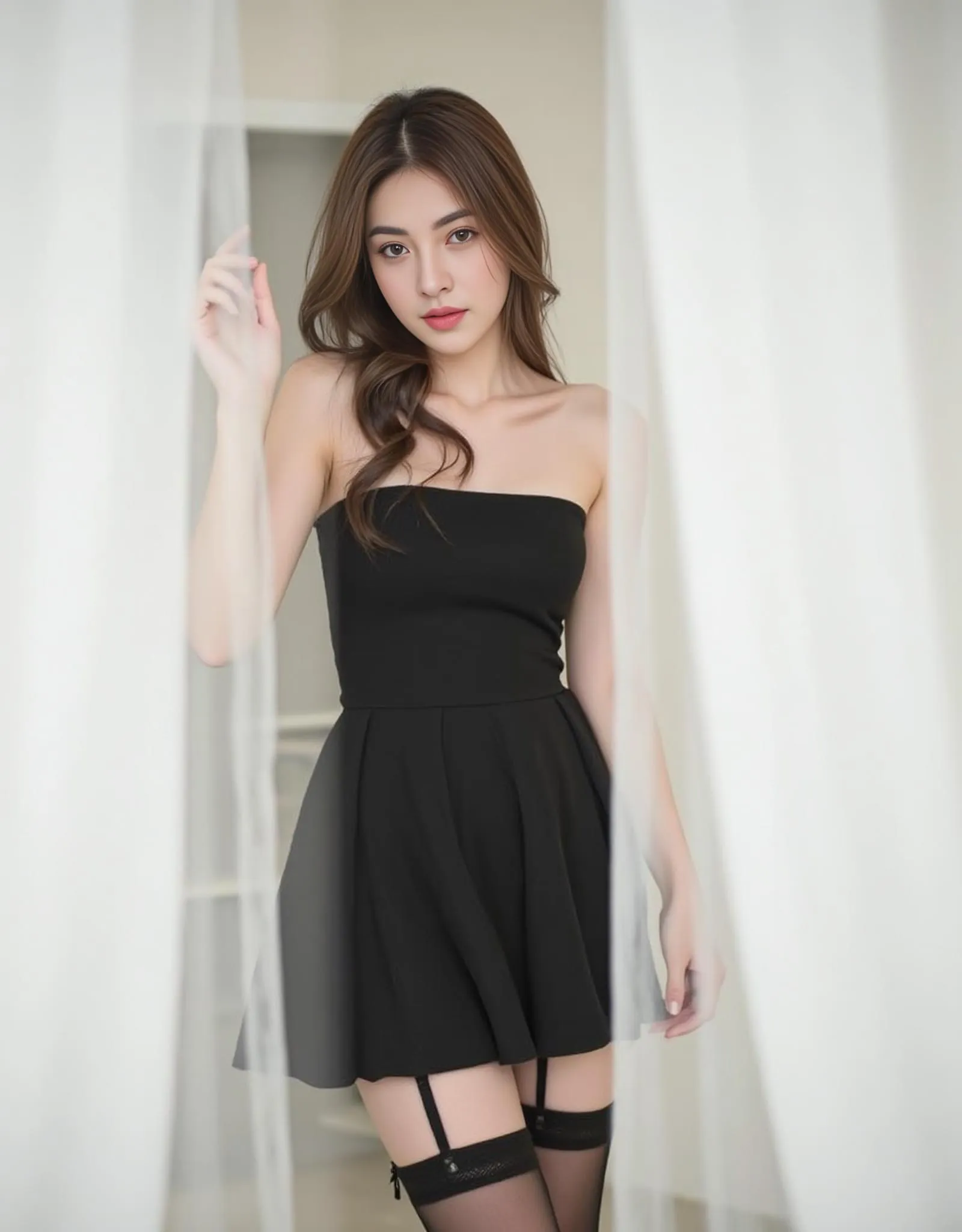
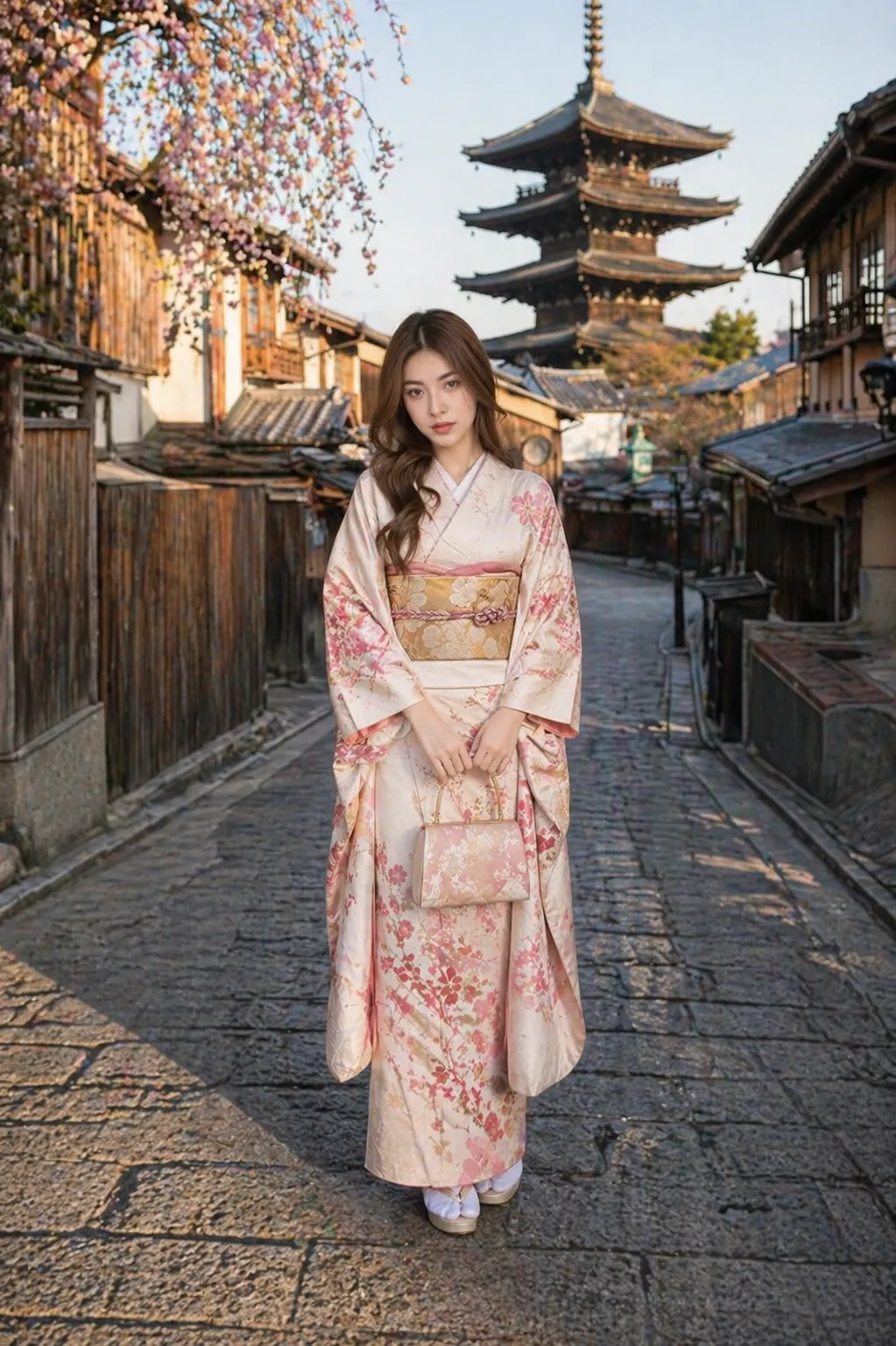
Upload a photo of a girl and prompt the AI: "Keep the face exactly the same, dress her in a kimono standing in Kyoto, Japan." The original facial features will be preserved accurately. If the result still looks slightly artificial, follow up with: "Make the photo look like a real-life shot." The AI will instantly adjust lighting and color noise to make it appear as if it was taken with a real camera.
Create clear, easy-to-understand infographics
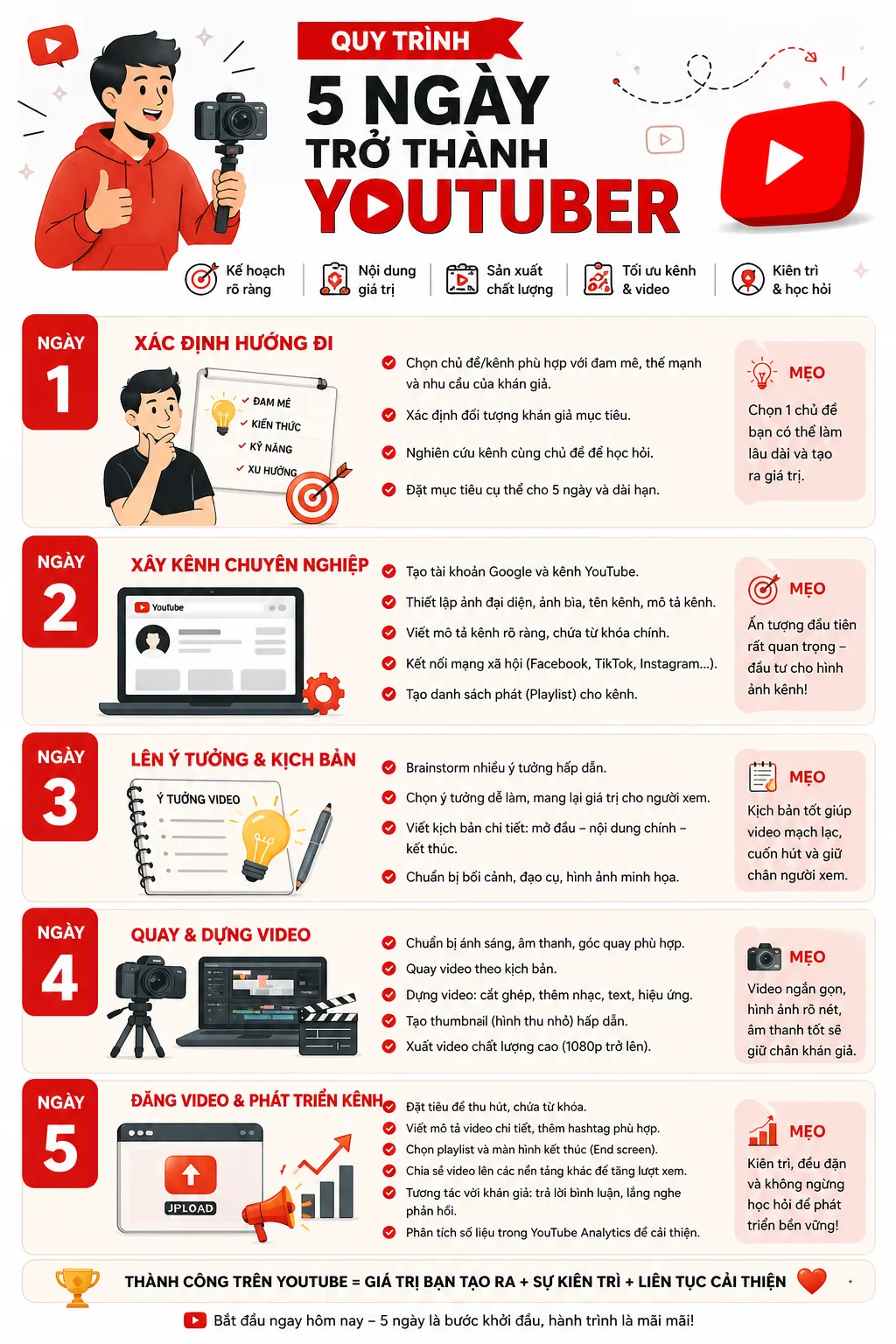
Need to summarize information? Just type: "Create a 5-day path to becoming a YouTuber infographic in Vietnamese." In under a minute you'll receive a sharp chart with logical hierarchy, beautiful illustrations, and flawless text.
Generate screenshots that are hard to distinguish from reality
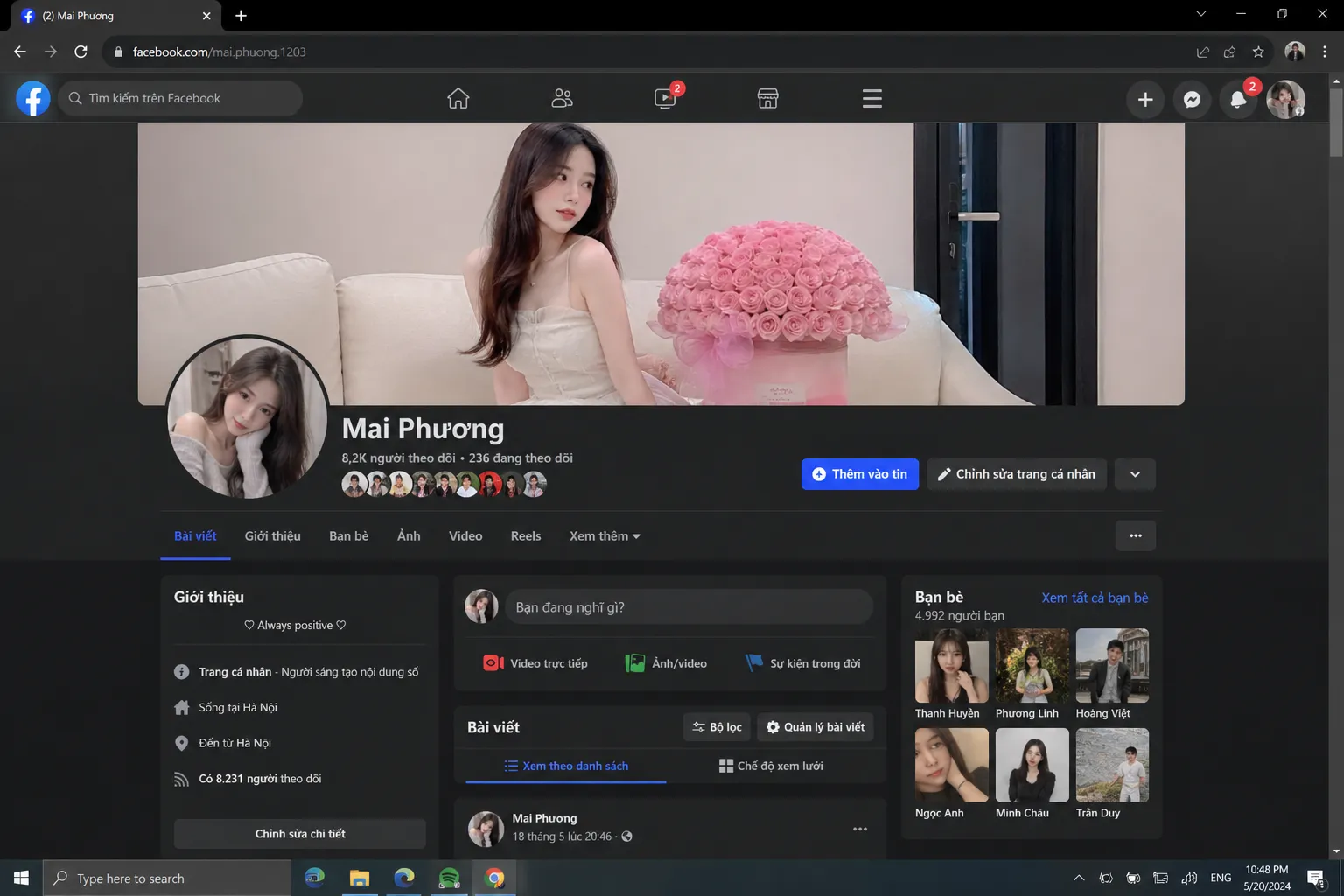
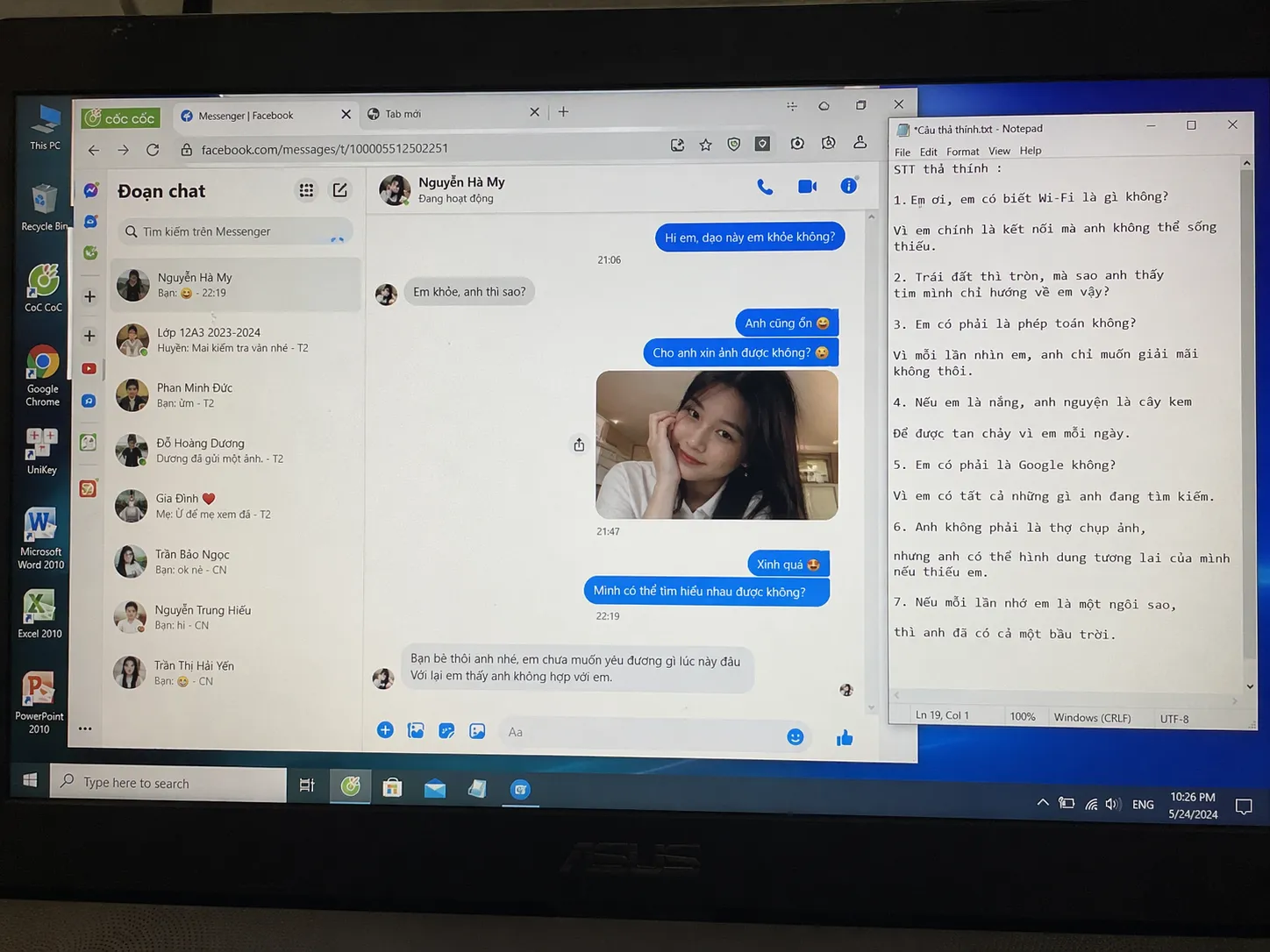
The AI can simulate Facebook screenshots of an influencer or even external laptop screen captures, automatically generating small text elements that feel lively and natural, as if written by a real person.
Generate realistic handwritten text
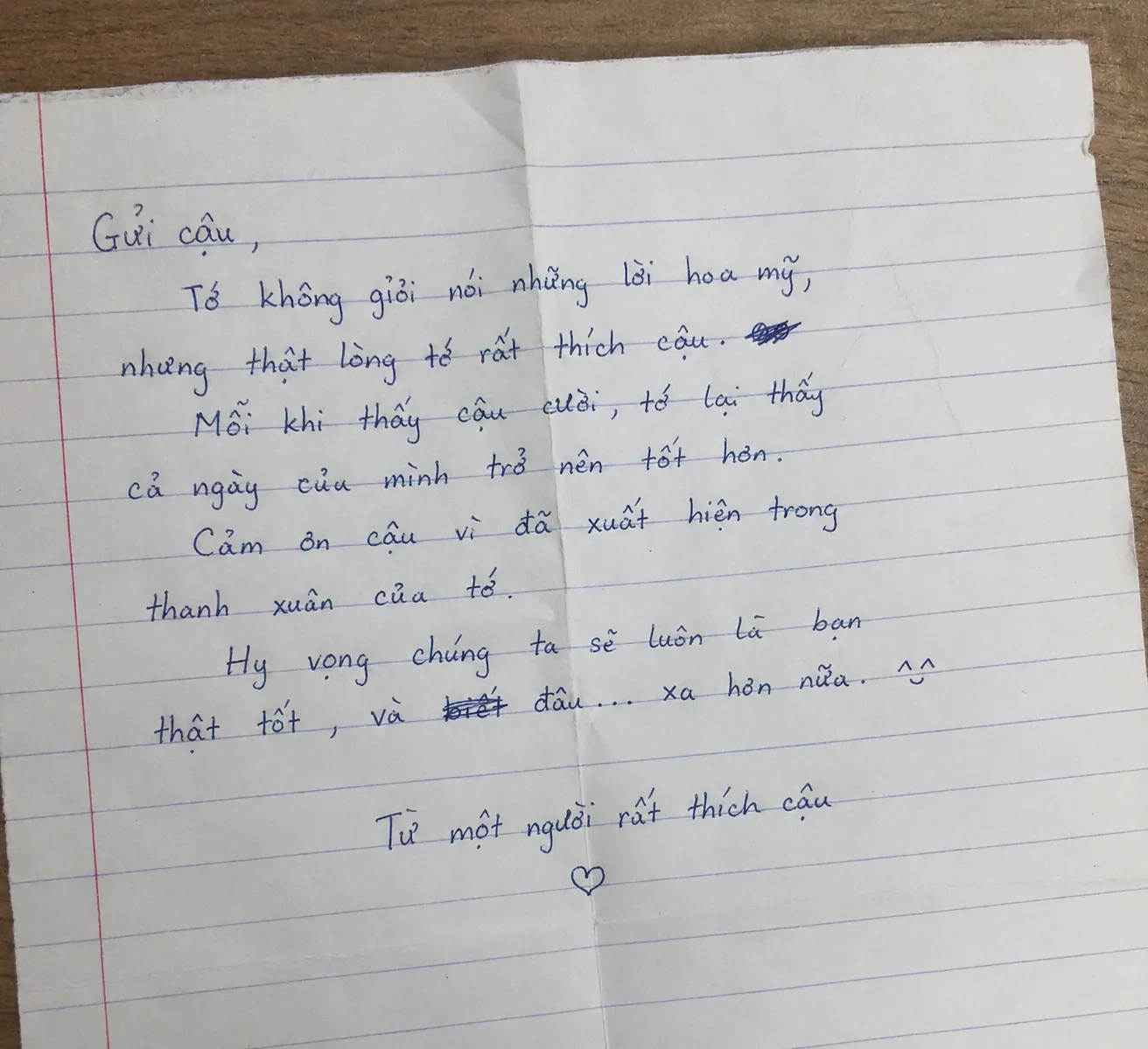
The simulated love letter from a male student to his crush looks eerily authentic. The crumpled paper surface, varying stroke thickness, and ink smudges from erasures completely outclass older AI models.
Translate text within images to another language
This feature is fantastic for traveling abroad. Simply upload a photo of an English sign or a Korean restaurant menu and instruct: "Create a Vietnamese version of this image." The AI will preserve 100% of the original layout, colors, and design style while accurately replacing all text with Vietnamese.
Final Thoughts
With everything it delivers, ChatGPT Images 2.0 is no longer just an entertainment image generator—it has become a powerful graphic assistant for professionals across industries. Its strong contextual understanding, smooth multilingual handling, and high photorealism will undoubtedly reshape how we create content in the future.
If you're also interested in AI image generation with Nano Banana, check out the video below:
I created this blog in 2024, during the rapid development of AI technology. The goal of this blog is to share basic knowledge, computer tips, and guides on using basic AI tools. Thank you for visiting my website. I hope the articles on this website will be useful for you.