Trong the AI community these past few days, the name Nano Banana Pro has been causing a real sensation. This is Google's latest and most cutting-edge AI model for image editing and generation, considered a major leap forward in image processing capabilities compared to previous versions.
If you're looking for a free tool to create sharp 4K images, design professional infographics, or even translate comics in an instant, then Nano Banana Pro is the answer. Let's explore with Yuto Tech the detailed usage and 12 top features of this tool!
If this is your first time hearing about Nano Banana, check out the video below to learn more about this AI image processing model.
What is Nano Banana Pro?
Nano Banana Pro is an advanced generative AI image model integrated into Google's ecosystem (typically accessed via Gemini or AI Studio). The Pro version not only inherits the strengths of the previous version but also delivers major upgrades in contextual understanding, detail processing, and especially strong Vietnamese language support.
The standout feature is that you can try Nano Banana Pro for free (with a daily limit on the number of images) to create stunning 4K artworks.
How to Access and Use Nano Banana Pro
To get started, simply follow these steps:
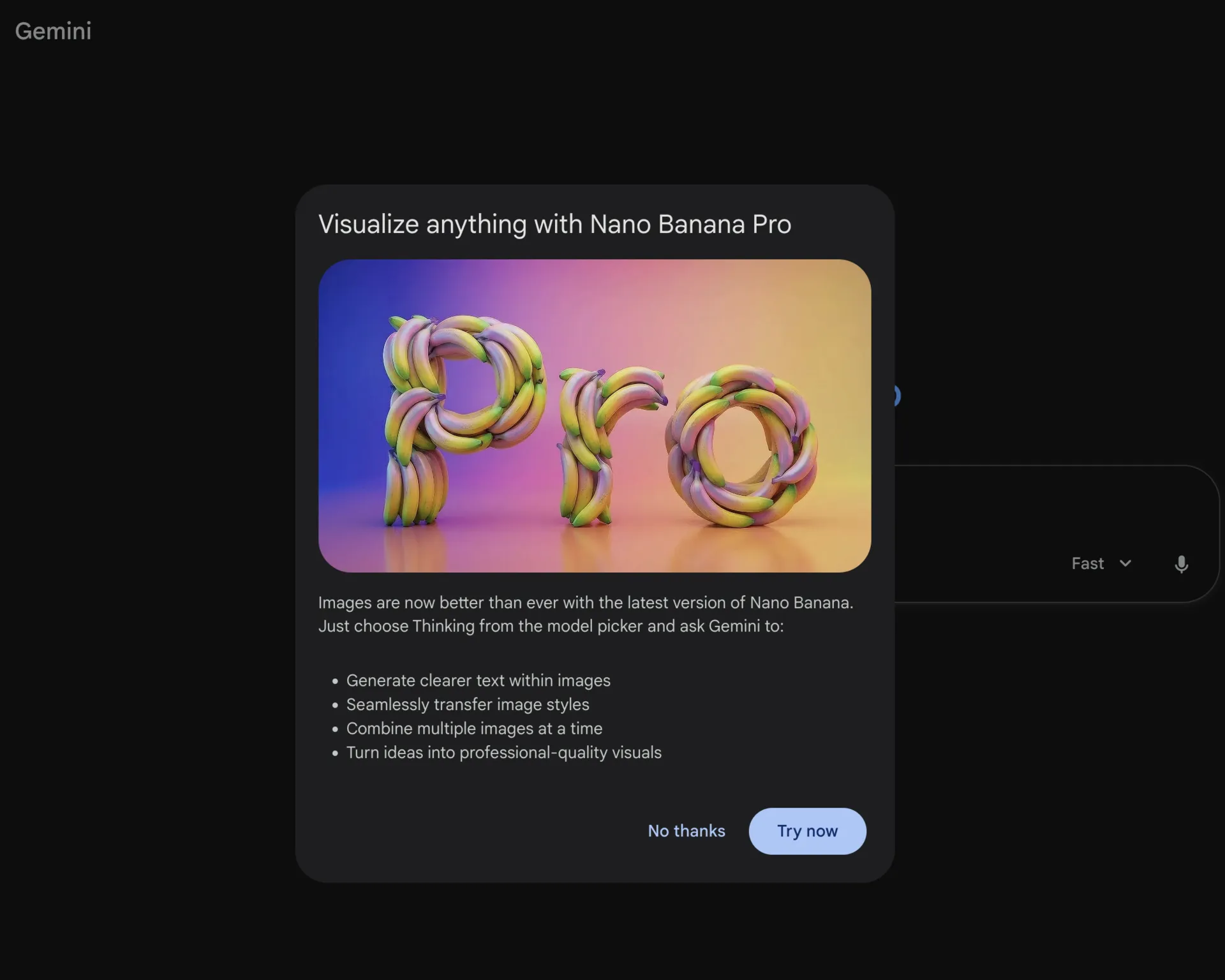
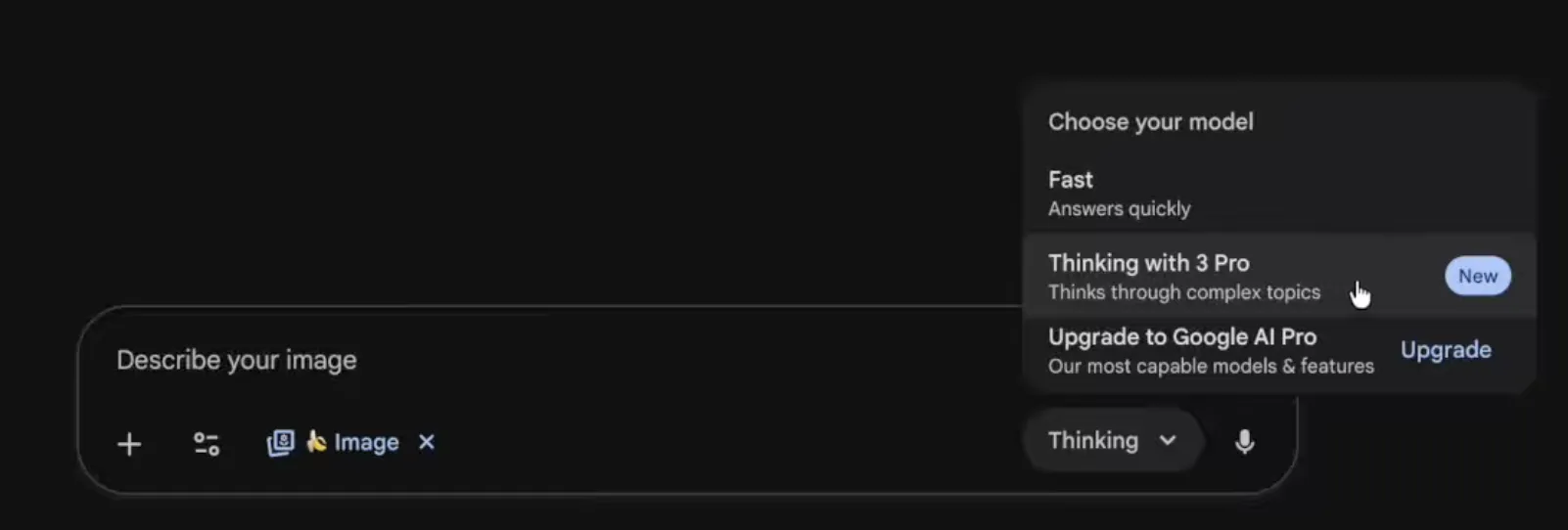
Go to Google's image generation tool (usually the Gemini or AI Studio interface).
Select the Create Image icon (the banana shape).
In the model selection section (Model), make sure to choose Thinking with 3 Pro. This option unlocks the AI's maximum power.
Enter your prompt and wait for the results.
Note: Free accounts currently have a daily limit on image generation (around 3 images), so make every prompt count!
Top Features of Nano Banana Pro
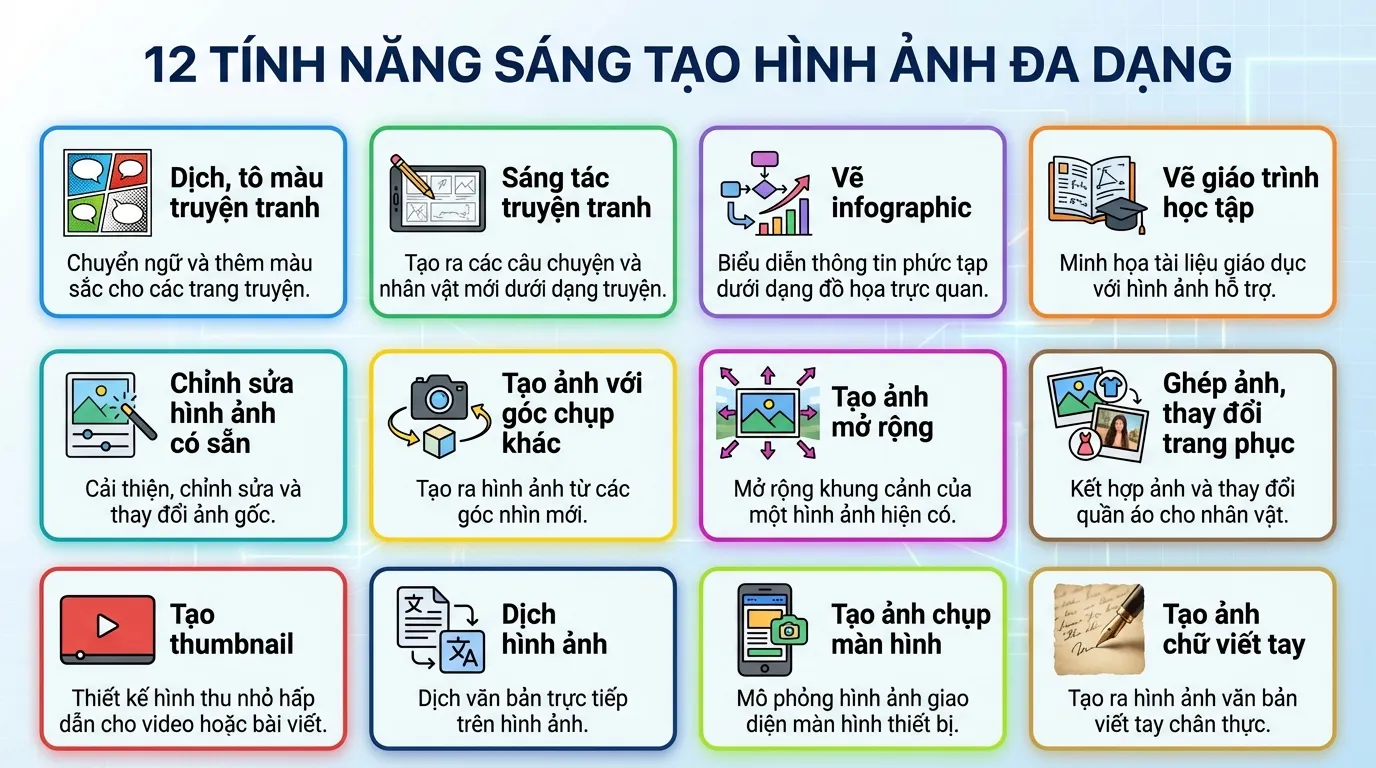
Below are 12 real-world examples that I tested and was thoroughly impressed by with Nano Banana Pro.
Coloring and Translating Comics
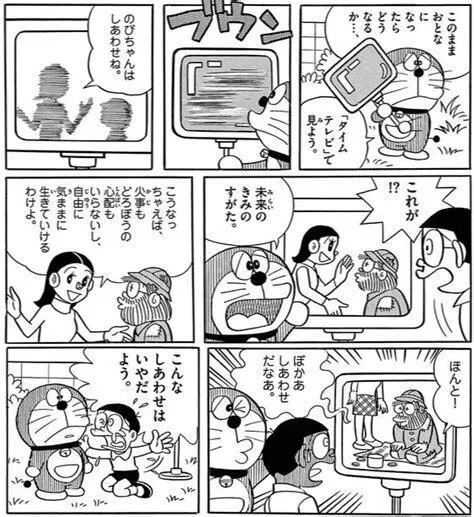
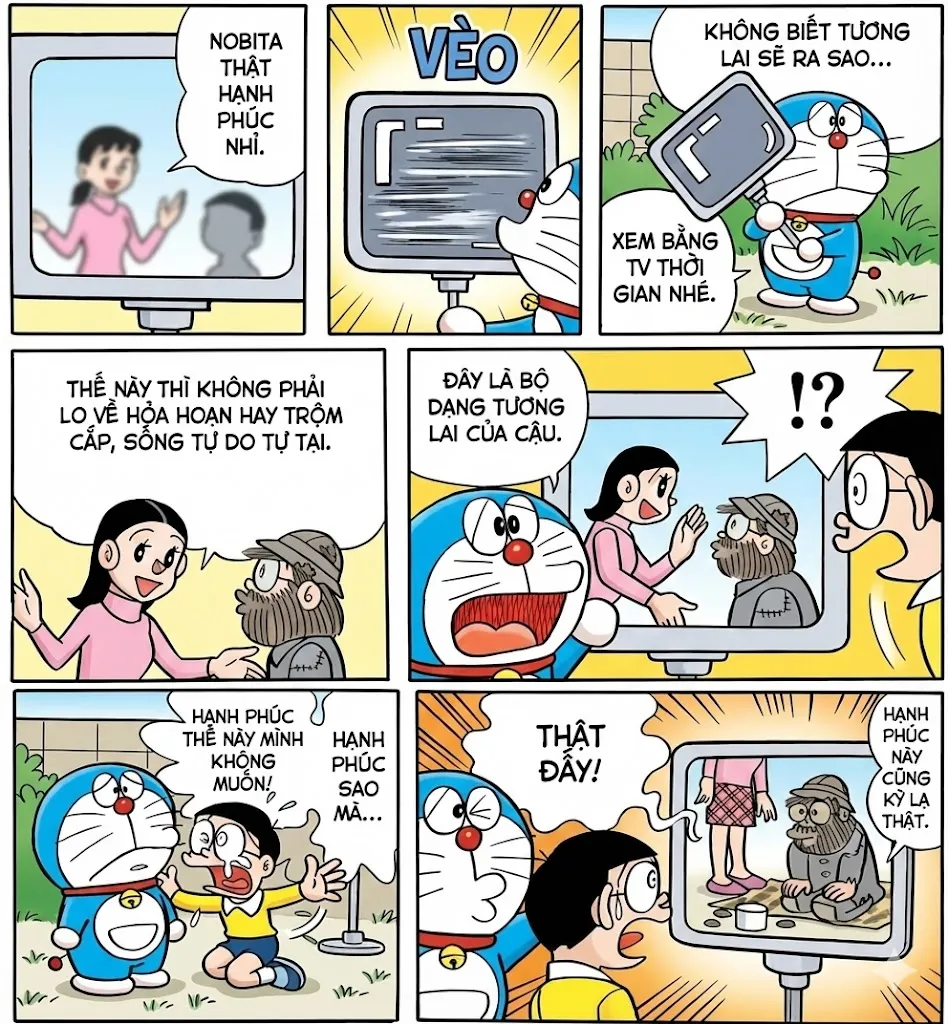
Got an old, faded, black-and-white comic page all in Japanese? Just upload the image and ask the AI to "color it, sharpen it, and translate to Vietnamese." The results will blow you away:
Colors are applied accurately to the context (e.g., Doraemon in blue, Nobita in a yellow shirt).
Japanese text is translated and replaced with Vietnamese using perfectly fitting comic fonts.
Quick and Beautiful Comic Creation
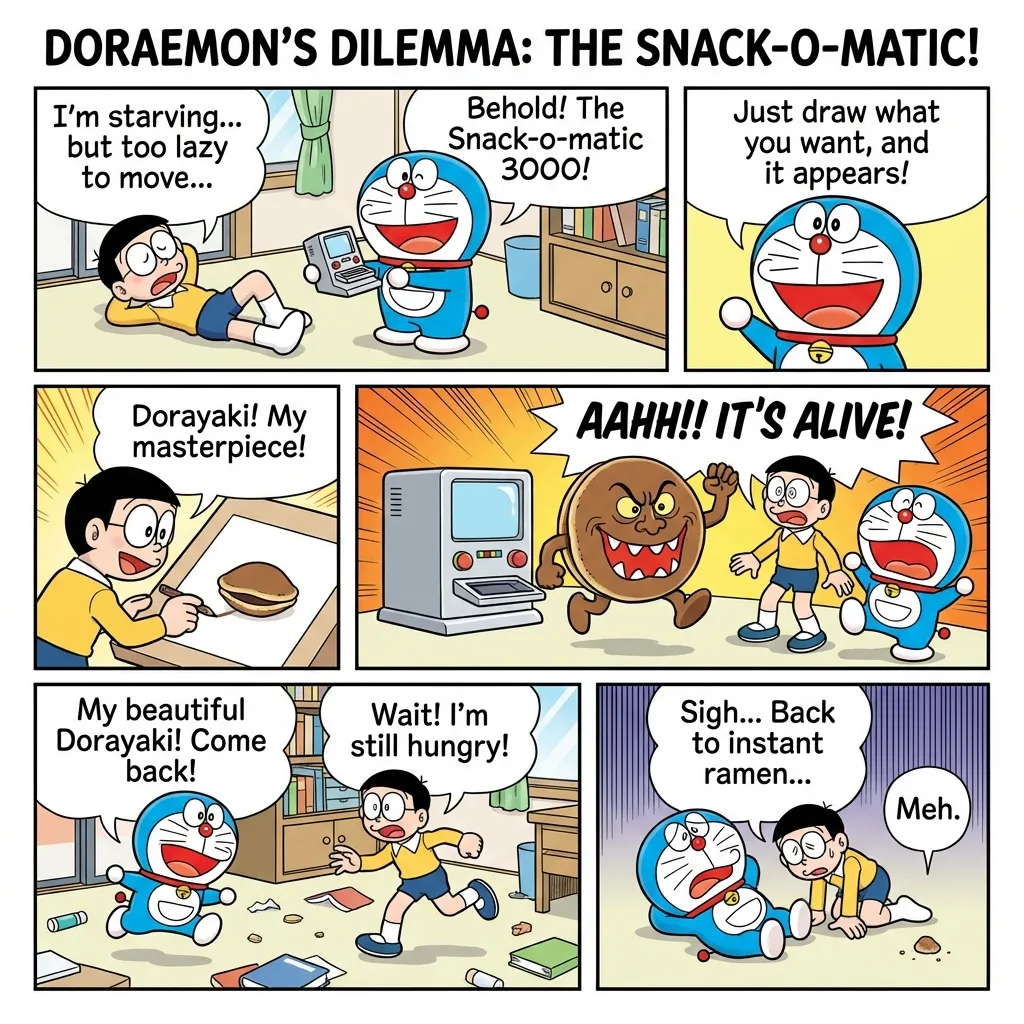
No drawing skills needed—you can still create your own comics. Just enter what you want, for example: "Draw a colorful Doraemon comic page in Vietnamese with a funny storyline." The AI will generate the full layout, images, and dialogue in seconds.
Creating Infographics
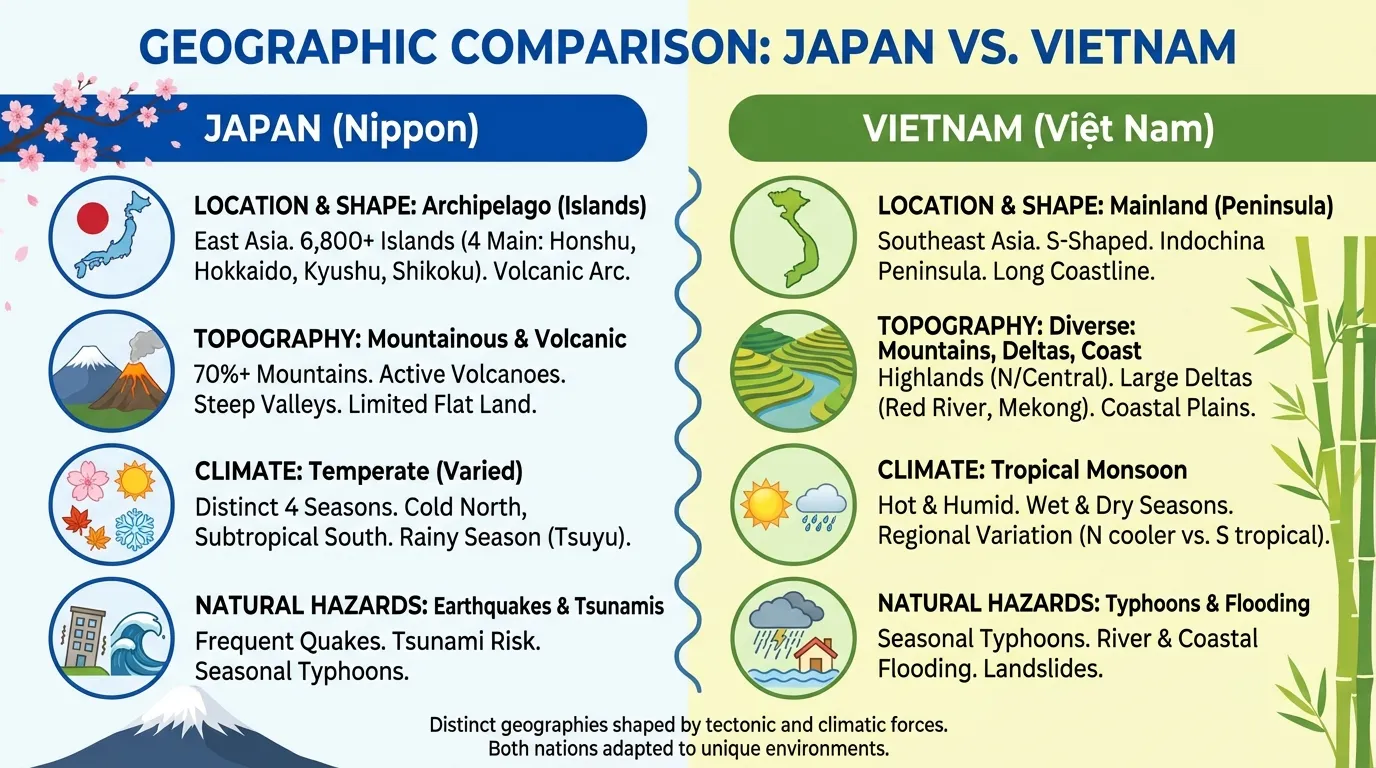
I was really impressed by how Nano Banana Pro generates infographics—they look highly professional and polished, with near-perfect text and none of the errors from earlier versions.
You can ask the AI to create infographics summarizing an article from a link, comparison infographics, and more, making content much easier to understand.
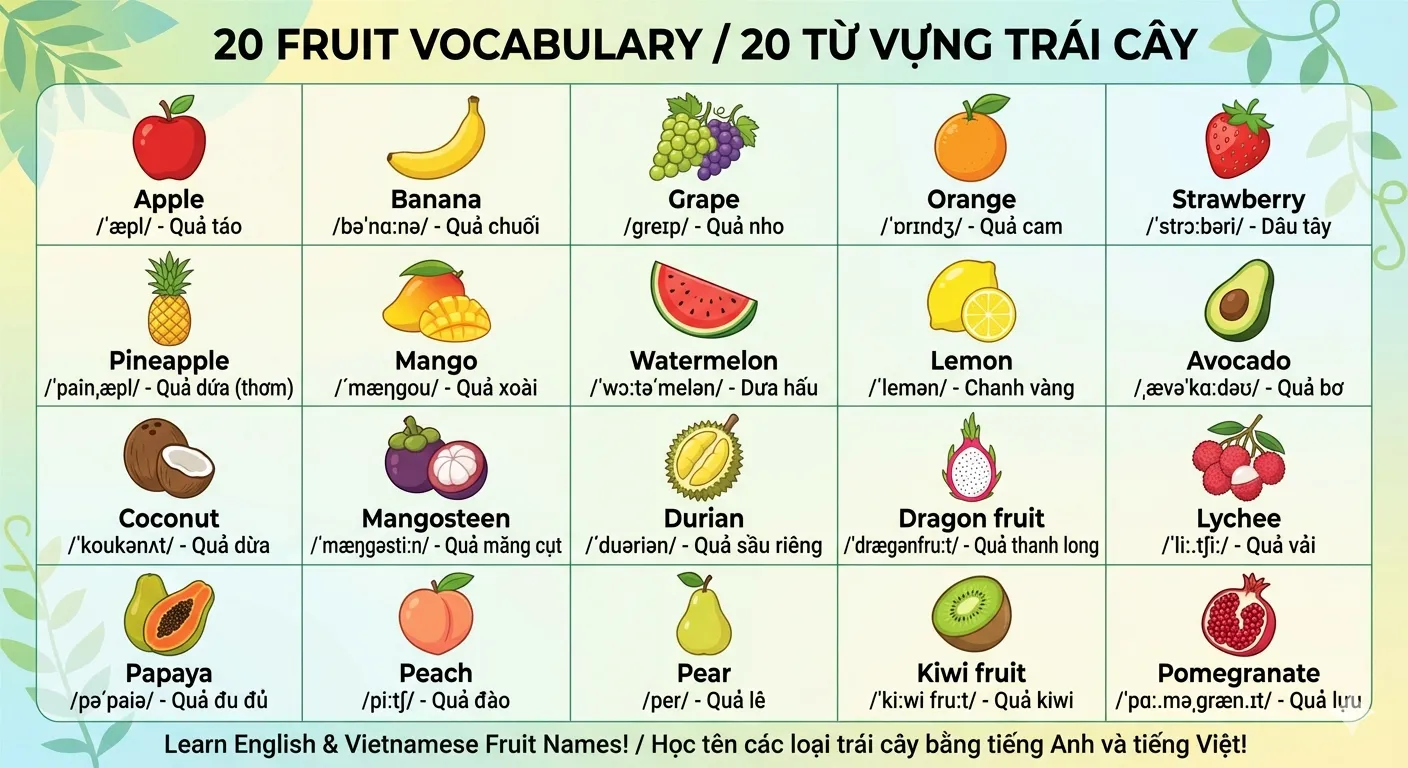
Designing Learning Materials
You can create engaging educational materials and save hours of design work.
Image Editing
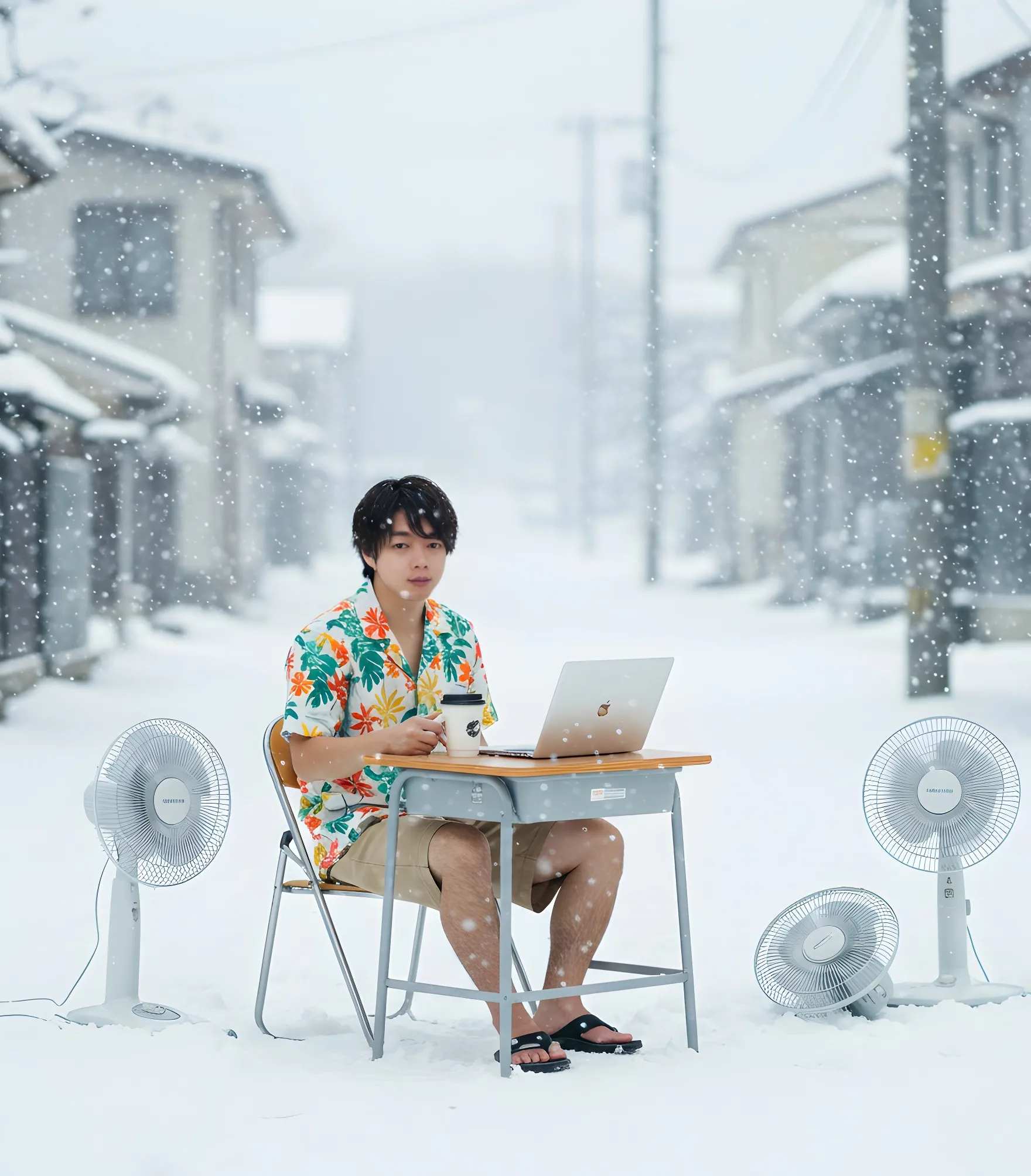
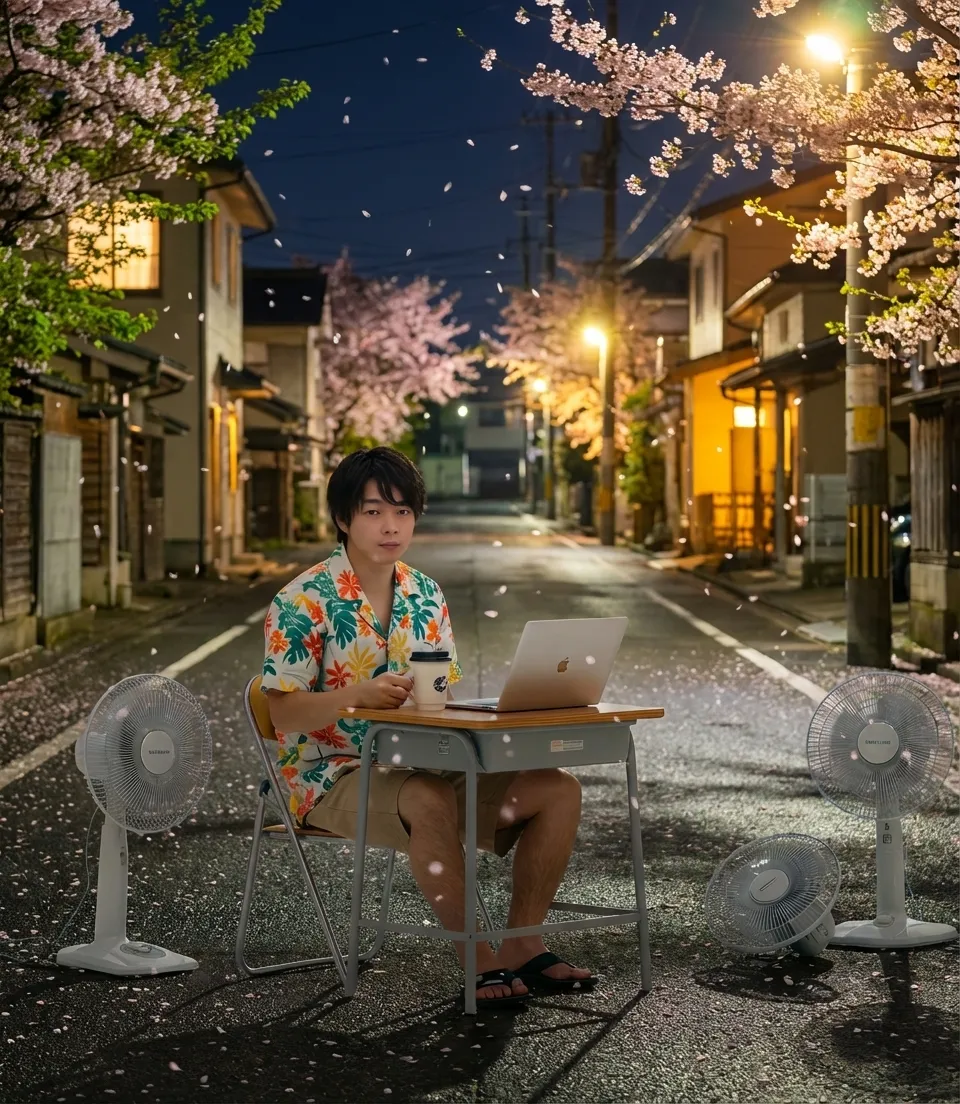
From a daytime winter photo, you can ask the AI to "change it to spring at night." The AI will keep the building structure intact, swap the trees for cherry blossoms, and add glowing lights—creating a completely new yet realistic image.
Changing Camera Angles
Have a side-angle photo but want a top-down view? Nano Banana Pro can recreate the scene and objects from a new perspective without distorting the subject.
Extending Images
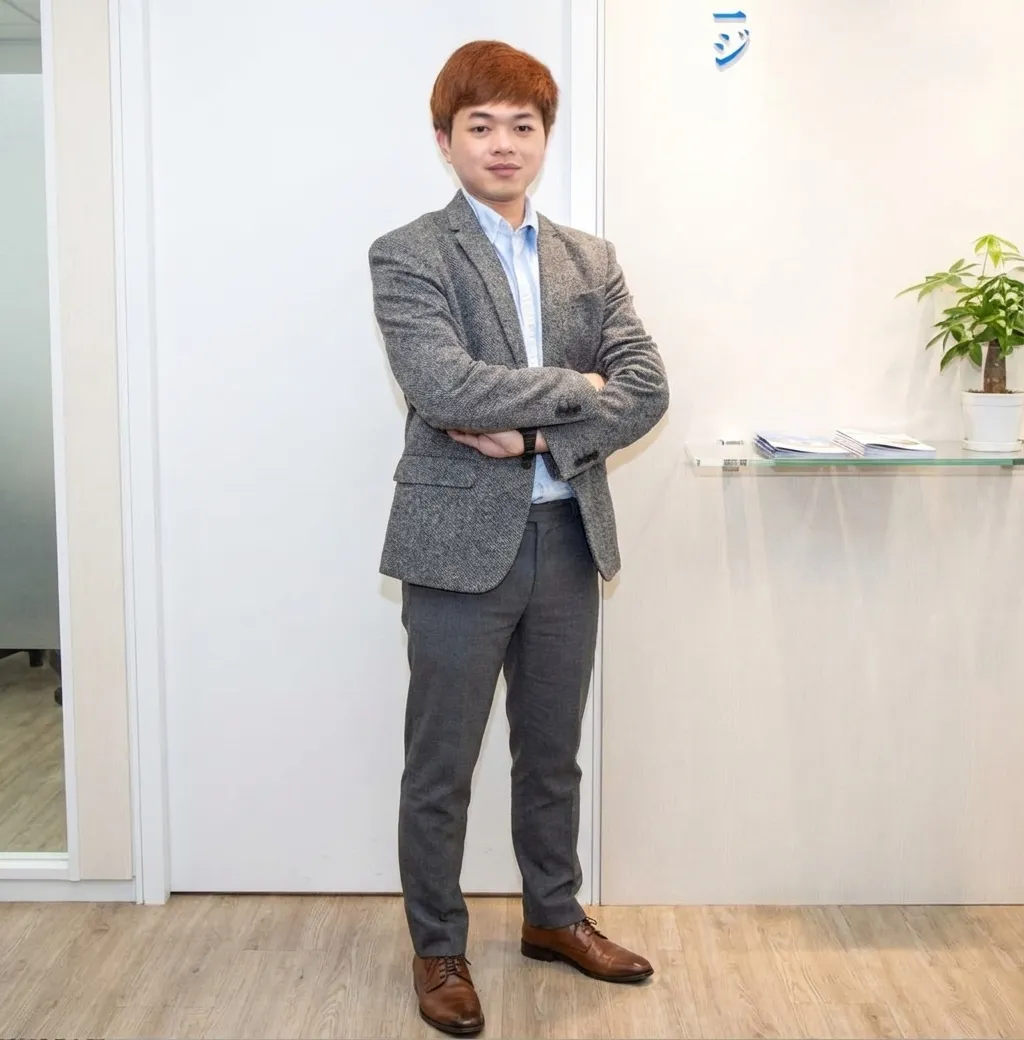
If you have a close-up portrait and want a full-body shot, use this feature. The AI will seamlessly "draw in" the body, clothing, and surrounding background.
Photo Compositing and Outfit Changes
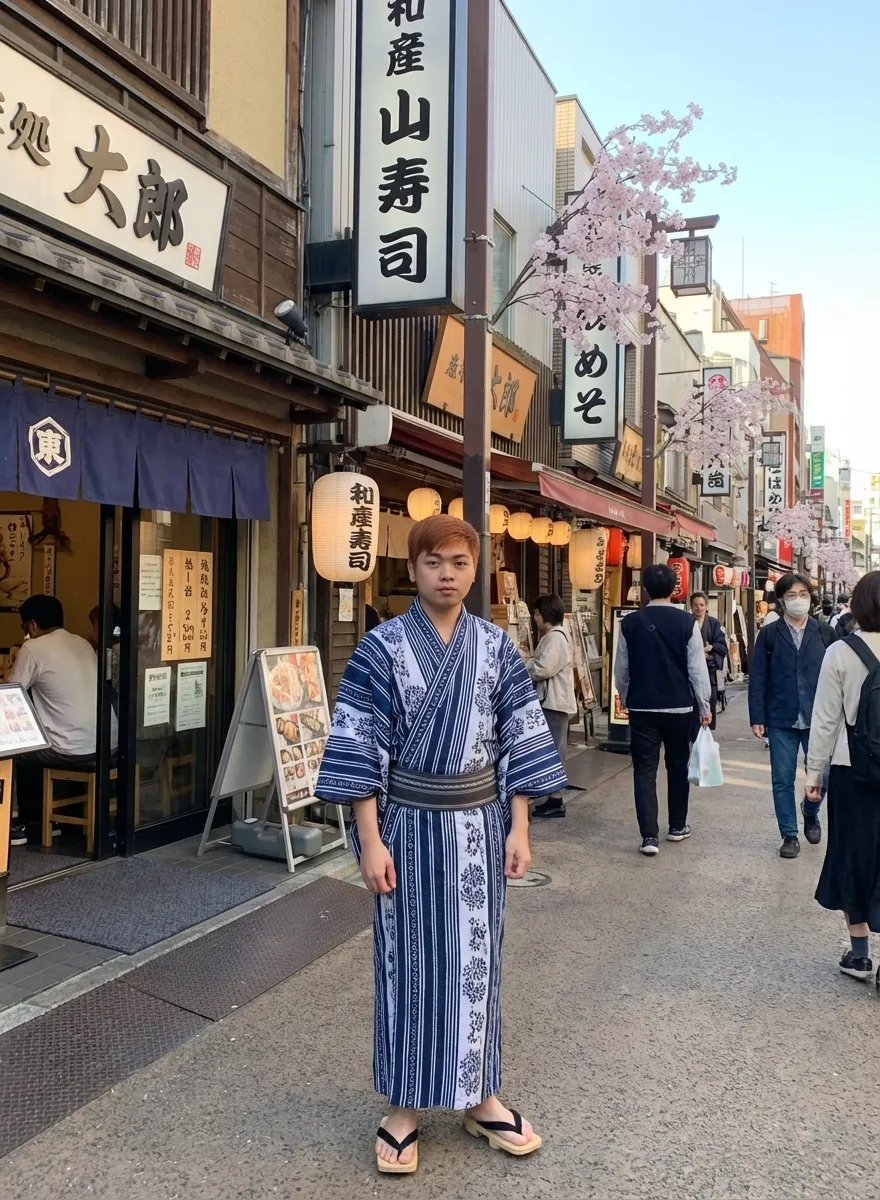
This feature builds on the strengths of the previous generation and takes it to a whole new level. Simply upload a portrait and enter your desired prompt. For example, I requested: "Dress this person in a Yukata and place them on a Tokyo street, keep the face unchanged."
Nano Banana Pro shows superior intelligence by preserving the subject's facial identity while completely replacing the outfit and background. What's impressive is how the AI handles lighting and shadows on the new clothing folds in a way that logically matches the scene, resulting in a flawless, seamless composite.
Creating Professional Thumbnails
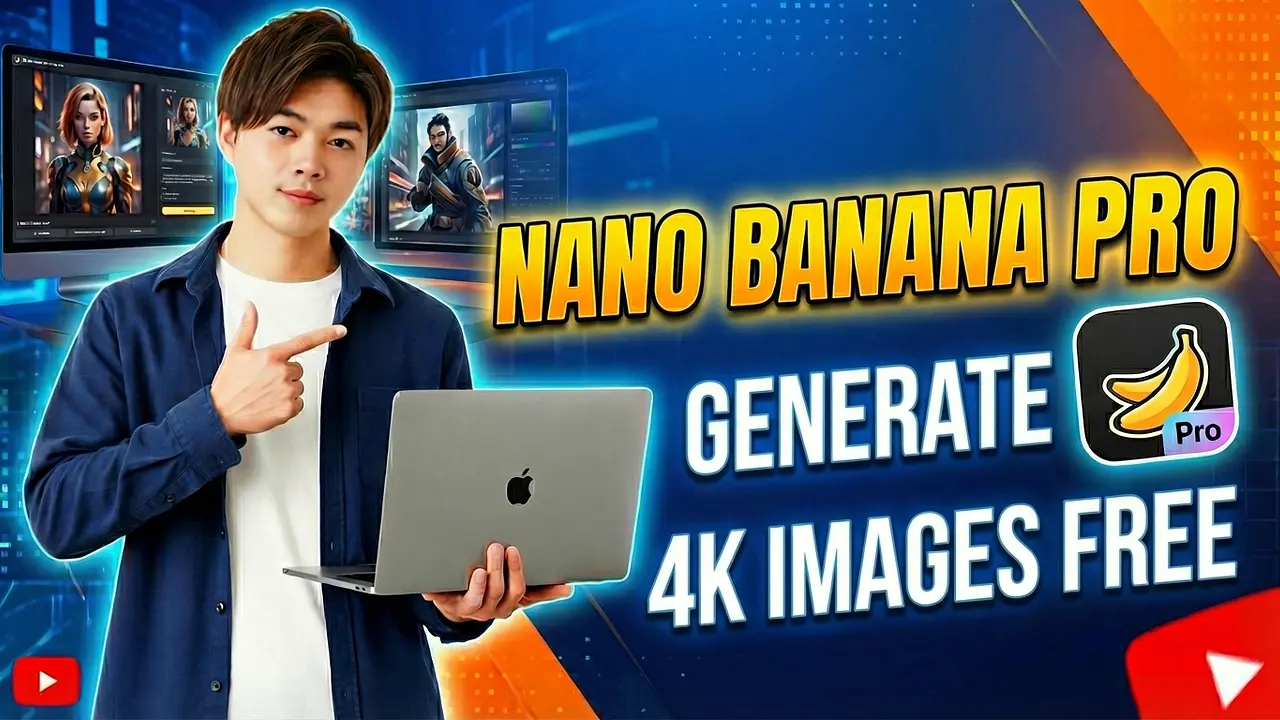
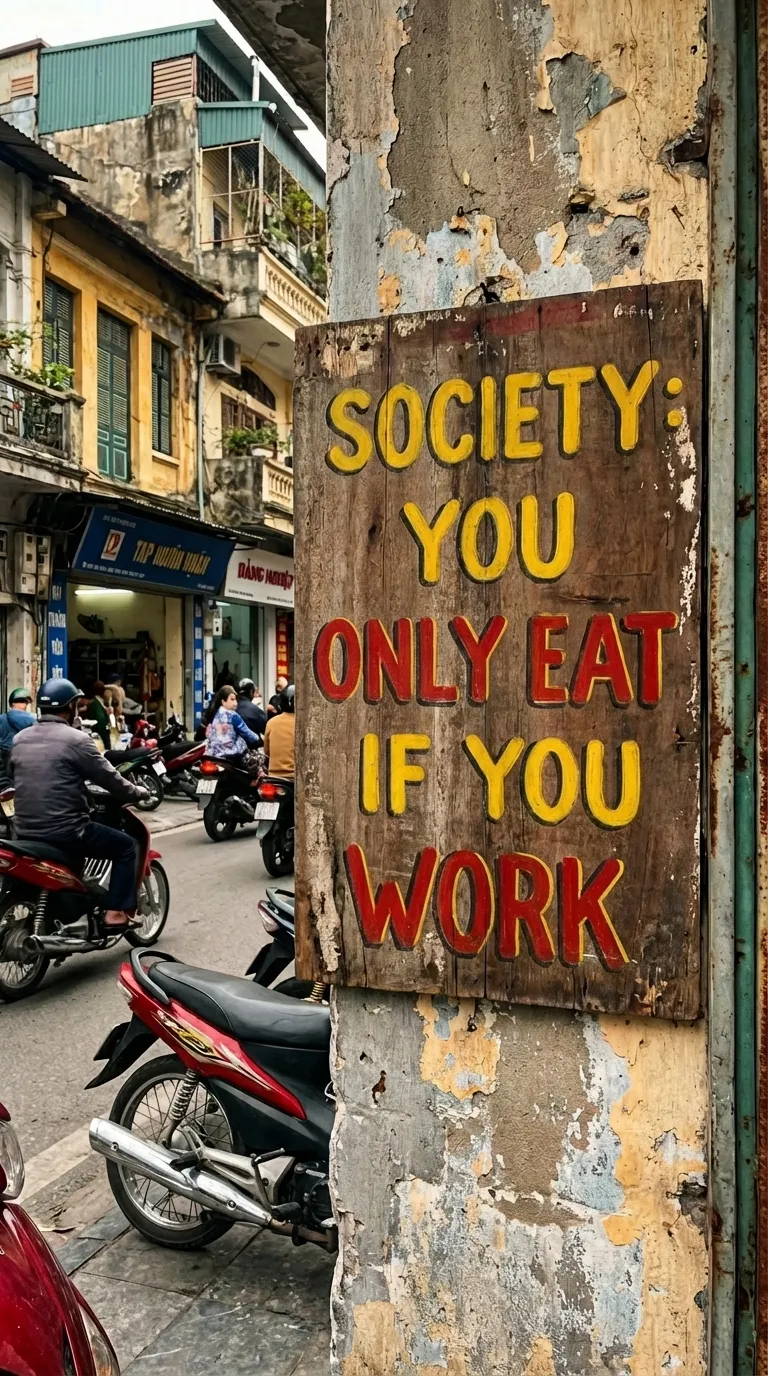
This is a lifesaver for YouTubers and bloggers. Instead of spending time compositing images and adding text in Photoshop, just upload your photo and type: "Create a YouTube thumbnail titled...". The AI handles text extremely well, with no font errors and clean, ready-to-use layouts.
Translating Image Content into Another Language
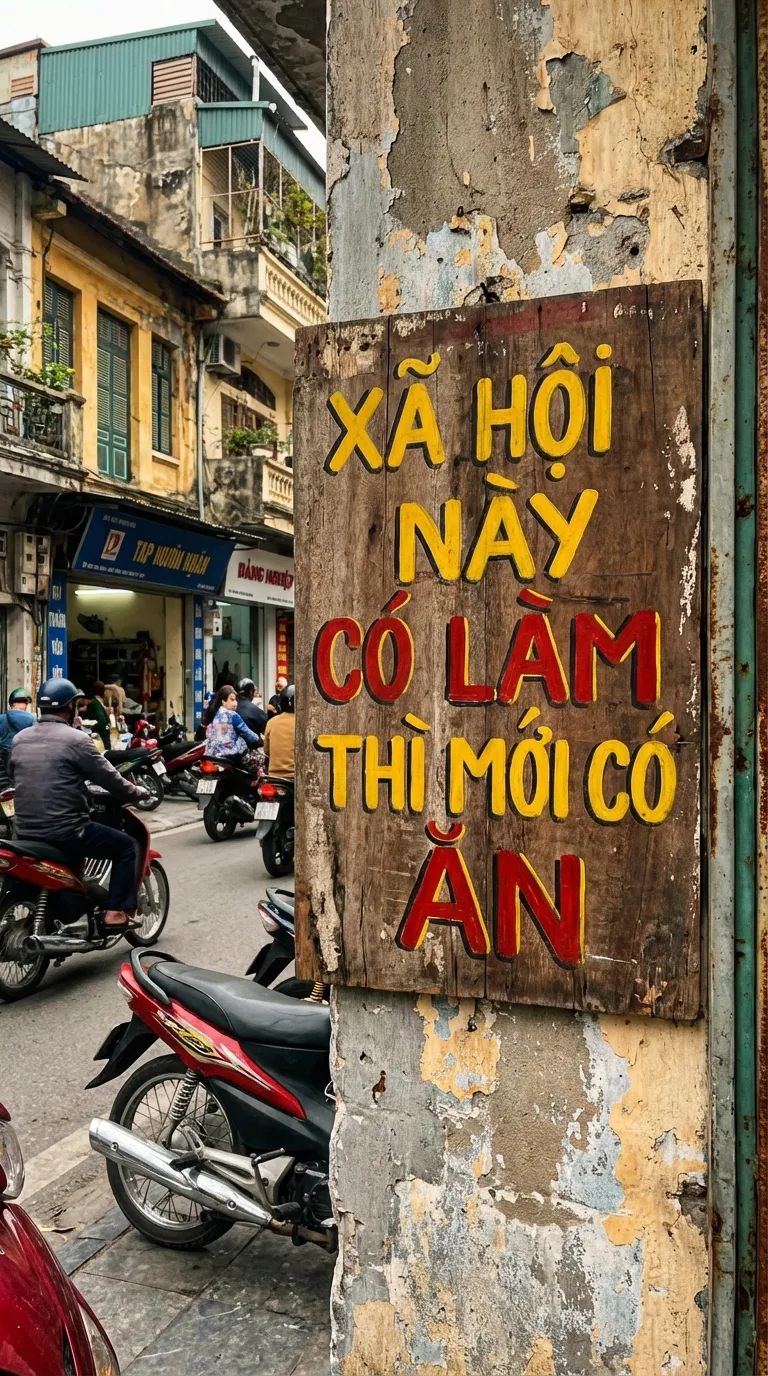
You can upload an image and request a full translation into English. All details in the image stay the same—only the language changes.
Generating Realistic Screenshot Images
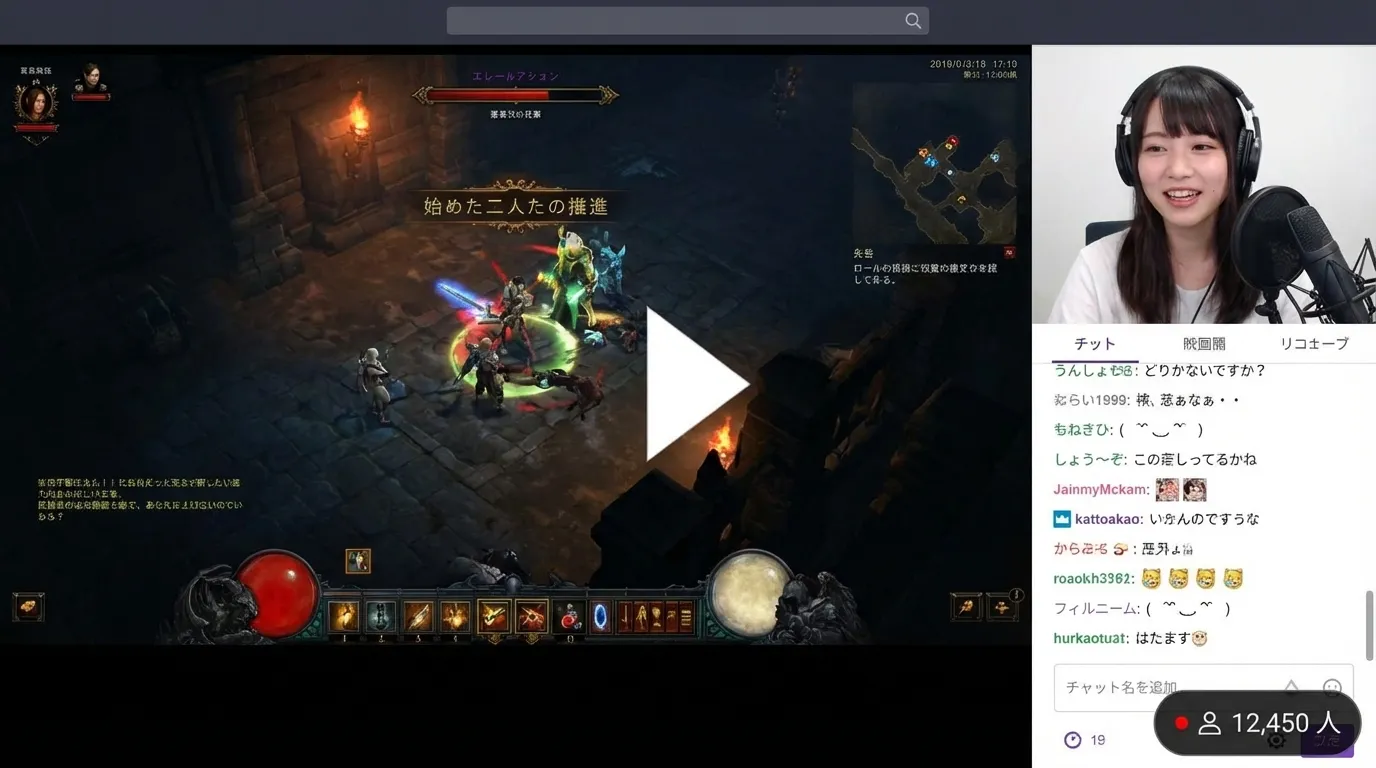
I tried asking the AI to create a screenshot of a girl livestreaming a game. The result genuinely surprised me: the AI didn't just draw the game interface but also perfectly recreated surrounding details like viewer count... and more.
Creating Handwritten Text Images
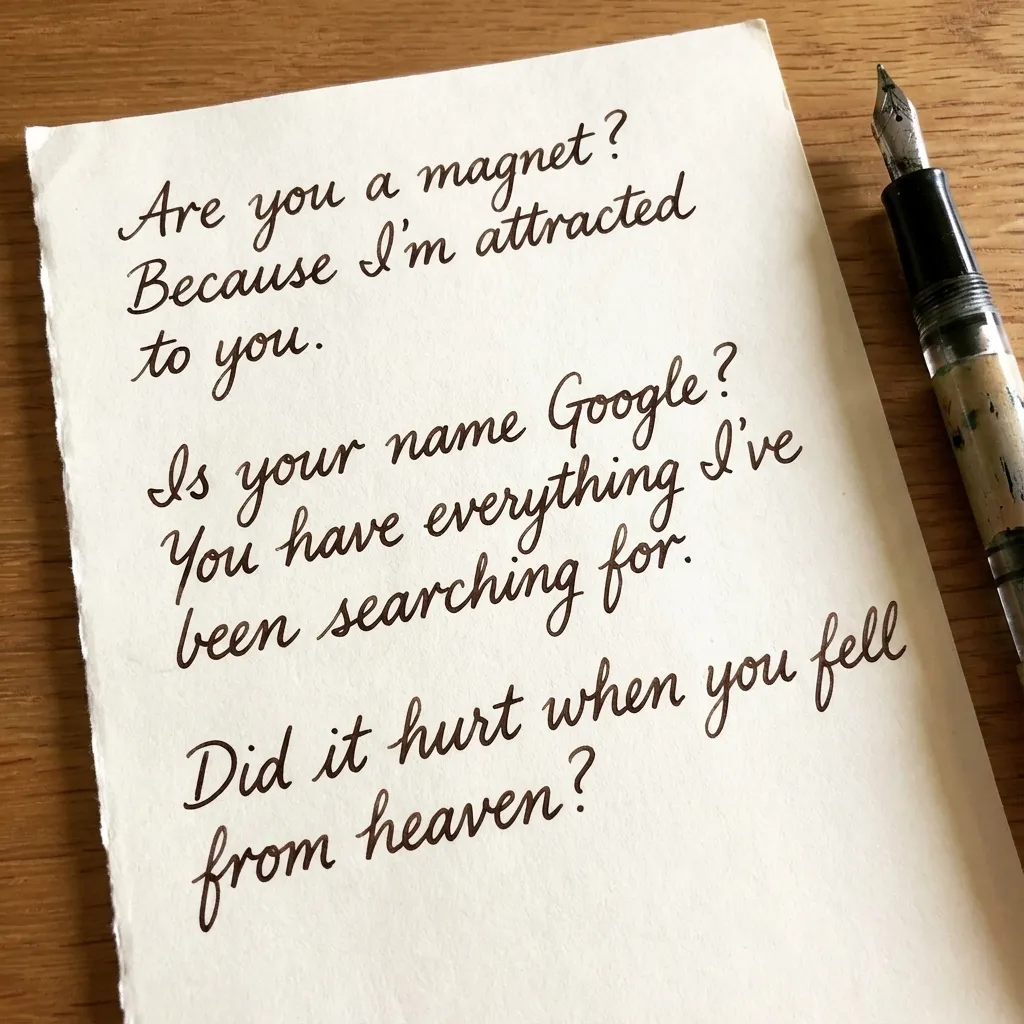
Forget dry "handwriting" fonts on your computer. Nano Banana Pro can simulate authentic handwritten text on real paper with full emotional nuance.
This feature is especially fun if you want to create highly personalized images, such as a handwritten letter or a note.
Conclusion
Nano Banana Pro is truly a major step forward for Google in the AI image race. Its excellent language processing, deep contextual understanding, and versatile features make it a powerful tool for both creative work and entertainment.
Go ahead and try this free version to create your own unique works! Don't forget to visit yutoit.com regularly for the latest tech tips and AI guides!
I created this blog in 2024, during the rapid development of AI technology. The goal of this blog is to share basic knowledge, computer tips, and guides on using basic AI tools. Thank you for visiting my website. I hope the articles on this website will be useful for you.